AI Customer Updates: A Practical Workflow
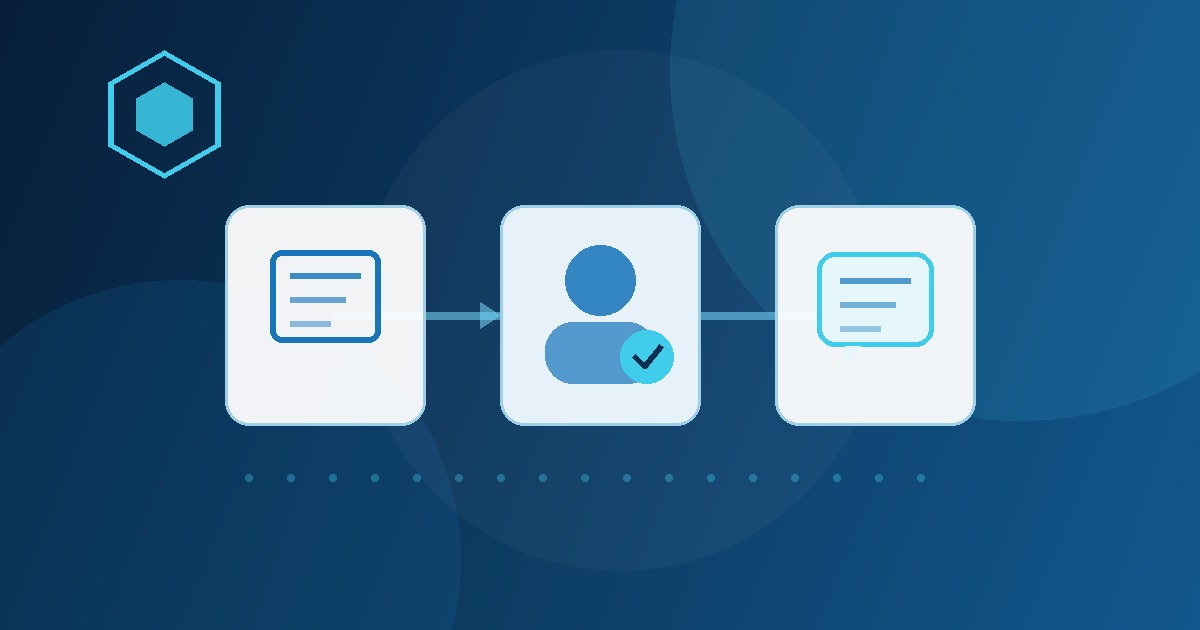
Customers usually ask for status because the business has information but has not turned it into a timely update.
The details may be spread across an inbox, calendar, job note, ticket, CRM record, invoice, or one employee's memory. Someone has to gather the facts, decide what can be shared, write the message, and remember to follow up. AI can make that preparation faster without taking over the customer relationship.
Why customer updates become an owner bottleneck
Status updates look small, but they interrupt the people with the most context. An office manager waits for a technician note. A project lead checks whether a document was approved. The owner rewrites a message because the timeline changed. The customer asks again because nobody owned the next touch.
The cost is not just writing time. Every missing update creates searching, internal messages, repeat calls, avoidable escalation, and uncertainty about what was promised. A useful workflow makes the current state and next action visible before anyone starts drafting.
What an AI customer update workflow should do
Keep the first version narrow. It should perform five jobs:
- Detect a trigger: a request arrives, a job changes state, an approval is completed, a deadline moves, or a customer has waited beyond the expected interval.
- Collect approved facts: retrieve only the source notes, dates, owners, and next steps the message is allowed to use.
- Prepare a draft: state what happened, what happens next, who owns it, and when the customer should expect another update.
- Route for review: send the draft to the person authorized to confirm accuracy, tone, and commitments.
- Record the outcome: save the approved message, send time, next follow-up date, and unresolved exception.
That sequence works with Microsoft 365, Google Workspace, a field-service platform, a CRM, a ticket system, or a simple shared tracker. The system matters less than having reliable inputs, ownership, and review rules.
Choose one message type for the first 30 days
Do not connect every customer channel at once. Choose one frequent, reviewable update where delay creates obvious friction.
- Appointment updates: confirmation, rescheduling, arrival-window, or missing-information drafts.
- Service status: work completed, parts pending, return visit needed, or next-step summaries.
- Project progress: milestone reached, item awaiting approval, dependency found, or revised timing.
- Quote follow-up: estimate delivered, question unanswered, decision pending, or next contact due.
- Client recaps: meeting decisions, open questions, owners, and the next expected update.
A good candidate is repeated often enough to measure, supported by dependable source information, and low enough risk that a person can review it quickly.
Design the human approval gate before automation
The reviewer should not have to reconstruct the whole case. Show the draft beside the source facts and make the decision simple: approve, edit, or escalate.
| Review question | What the reviewer confirms |
|---|---|
| Is it accurate? | The status, dates, owner, and next step match the source system. |
| Is it authorized? | The message does not create an unapproved promise, price, refund, warranty, or scope change. |
| Is it appropriate? | The tone fits the relationship and excludes internal or sensitive details. |
| Is it complete? | The customer knows what happens next and when another update is due. |
| Should it escalate? | Complaints, uncertainty, conflicts, or high-impact decisions reach the right person. |
Keep complaints, pricing exceptions, refunds, contract changes, legal or medical matters, employment issues, and sensitive data behind specialist review. When information is missing or contradictory, the workflow should stop and ask rather than fill the gap with a guess.
A practical build sequence for buyers
- Map the current path. Identify the trigger, source of truth, message owner, approver, sending channel, and follow-up record.
- Define the output. Create one short update format with status, next step, owner, timing, and exception language.
- Write the boundaries. List what AI may summarize or draft, what requires approval, and what must always escalate.
- Test real examples. Include normal cases, incomplete notes, changed dates, sensitive requests, and conflicting information.
- Run in draft-only mode. Use live work while people approve every customer-facing message.
- Improve from evidence. Fix repeated edits, unclear inputs, slow handoffs, and unnecessary escalations one at a time.
If the current process is unclear, start with an AI Time Back Audit to compare customer updates against other time-draining workflows. If this is already the right target, a 30-Day AI Workflow Sprint can build and test the first operational version.
What to measure without inventing ROI
Use operational evidence your team can actually collect:
- time from a status change to a reviewed customer update
- drafts approved with light edits versus substantial rewrites
- updates that became overdue
- repeat calls or emails asking for status
- exceptions caught before an external message was sent
- eligible updates completed through the intended workflow
Review examples, not just counts. A fast message with the wrong promise is not a win. The useful outcome is timely, accurate communication with less manual preparation and clear accountability.
How the workflow should improve after launch
Real use will expose incomplete notes, unusual requests, changed policies, adoption problems, and message types that need different reviewers. Capture those exceptions and improve the smallest failing part: the source data, trigger, draft format, approval rule, routing, or follow-up record.
This is where Managed AI Operations becomes useful. The ongoing job is to review output quality, maintain permissions and approval rules, resolve recurring exceptions, and choose the next verified improvement without rebuilding the entire workflow.
Frequently asked questions
What is an AI customer update workflow?
An AI customer update workflow collects approved status information, prepares a clear message, routes it to the right person for review, and records the follow-up. AI handles preparation while a person keeps authority over promises, timing, pricing, and sensitive communication.
Should AI send customer updates automatically?
Most small businesses should begin with AI-generated drafts and human approval. Automatic sending should be limited to proven, low-risk message types with reliable source data, clear exception rules, and a safe escalation path.
How should a business measure an AI customer update workflow?
Measure time from status change to reviewed update, drafts accepted with light edits, overdue updates, repeat status requests, exceptions caught before sending, and team adoption. Use the evidence to improve one bottleneck at a time.
Start with reliable status, not automatic sending
The strongest first version does not impress customers by saying it uses AI. It gives them a clear update before they have to ask twice. Build the information path, keep authority with the right person, and let automation earn more responsibility only after the evidence supports it.

Microsoft Certified Trainer with 30+ years in enterprise technology, including roles at Microsoft and Amazon. Helps businesses implement practical AI systems tied to customer growth, capacity, margin, and execution.