Why an AI receptionist matters for small business owners
Missed calls and slow replies are expensive. A home service company can lose a job because nobody answered during a busy appointment. A law firm can lose a consultation because intake questions sat in voicemail. A dental office can spend hours each week answering the same insurance, scheduling, and reminder questions.
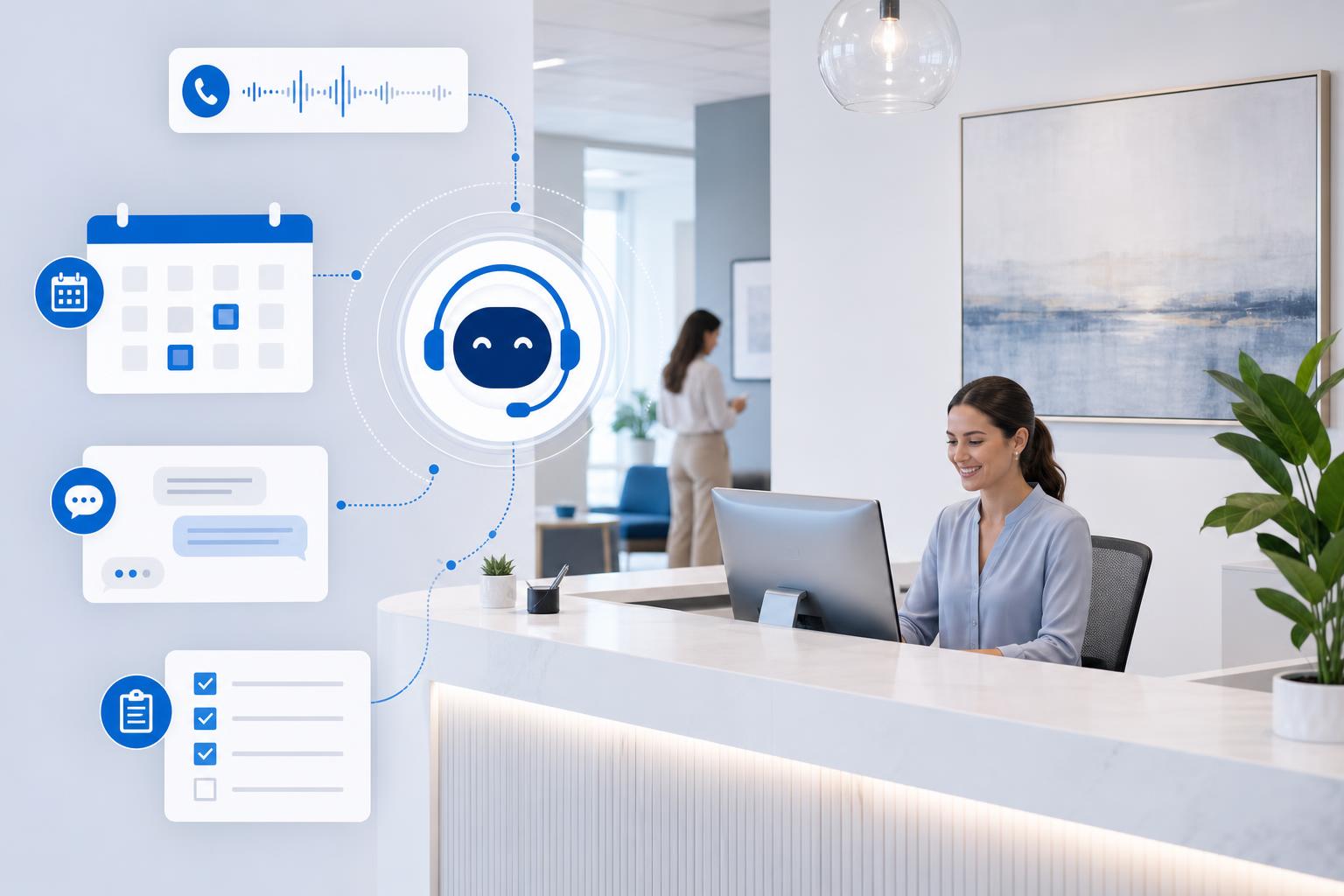
An AI receptionist is useful because it handles the repeatable front-desk work that interrupts the team all day. It can answer common questions, collect the details needed for a quote or appointment, send reminders, and create a task for a human when judgment is required.
The goal is not to make your business feel robotic. The goal is to make sure every inquiry gets captured, every customer gets a faster response, and your team spends less time copying details between phone notes, email, calendars, forms, and spreadsheets.
What an AI receptionist can do in a local business
Start with the work that is repetitive, low-risk, and easy to review. The strongest use cases are usually:
- Missed-call follow-up: send an immediate text or email when a call is missed.
- Appointment requests: collect preferred dates, service type, location, and urgency.
- Basic customer questions: answer hours, service areas, preparation steps, pricing ranges, and what happens next.
- Intake details: gather names, contact information, photos, addresses, issue descriptions, and consent to follow up.
- Routing: send urgent issues to the right person and non-urgent items to a queue.
- Reminders: reduce no-shows with confirmation and reminder messages.
- Internal summaries: turn a call or chat into a clean note for the owner or office manager.
If your intake process is not clear yet, pair this with AI Intake Forms and Document Automation. If scheduling is the bigger bottleneck, read AI Scheduling Automation for Small Business.
Where AI receptionists save the most time
The time savings usually come from reducing small interruptions, not one dramatic automation. A realistic first target is 3 to 8 hours per week across the team.
| Front-desk task | AI receptionist role | Business impact |
|---|---|---|
| Missed calls | Responds instantly and collects the reason for the call | Fewer lost leads and less voicemail cleanup |
| Appointment requests | Captures availability and service details | Shorter scheduling back-and-forth |
| Repeat questions | Answers approved FAQs from your business rules | Less interruption for owners and staff |
| Intake notes | Summarizes customer needs in a consistent format | Cleaner handoffs and fewer forgotten details |
| Reminder messages | Sends confirmations and reminders | Fewer no-shows and last-minute surprises |
Best first AI receptionist workflow
Do not launch a fully automated phone system on day one. Start with one workflow where the risk is low and the value is obvious.
The best beginner workflow is missed-call follow-up plus intake. When someone calls and your team cannot answer, the system immediately sends a message like: “Sorry we missed you. What can we help with?” It then collects the customer’s name, issue, urgency, location, and preferred callback time.
That single workflow can save time without changing your whole phone system. It also gives you a clean measurement: missed calls captured, response time, booked appointments, and hours saved on manual voicemail follow-up.
For broader tool selection, use the AI Tool Decision Matrix for Small Business before buying a platform.
AI receptionist examples by industry
Home services
An HVAC, appliance repair, plumbing, electrical, or landscaping company can use an AI receptionist to capture issue type, address, photos, urgency, access notes, and preferred appointment windows. The office manager gets a clean summary instead of a vague voicemail.
Professional services
A law firm, accounting firm, insurance agency, or consulting practice can collect the reason for inquiry, deadline, business type, contact details, and whether the person is an existing client. Sensitive questions should route to a human.
Healthcare and wellness offices
A clinic, dental office, therapy practice, or wellness business can handle appointment requests, reminders, preparation instructions, and general FAQs. Anything medical, urgent, or private should escalate immediately to staff.
Local retail and service businesses
A salon, fitness studio, restaurant, repair shop, or specialty retailer can answer hours, availability, service questions, event requests, and booking requests without requiring staff to stop serving customers in person.
How to choose an AI receptionist tool
Do not choose by the flashiest demo. Choose by workflow fit. A practical tool should support:
- Your channels: phone, SMS, website chat, email, or Facebook messages.
- Your calendar: Google Calendar, Outlook, Calendly, or your scheduling system.
- Your source of truth: CRM, job system, spreadsheet, practice management tool, or inbox.
- Escalation rules: which topics go straight to a person.
- Human review: staff can approve, edit, or override responses.
- Reporting: missed calls captured, appointments booked, repeat questions, and response times.
If a tool cannot explain how it will fit your calendar, CRM, phone process, and team review process, it is probably too early to buy.
AI receptionist risks to control early
Do not let AI quote final prices unless the rules are simple. Price ranges and “we will confirm after review” are safer than binding estimates.
Do not automate emergencies. Urgent health, safety, legal, financial, or angry-customer situations should route to a person or clear emergency instruction.
Do not connect sensitive data before the process is proven. Start with intake and routing before giving a tool broad access to files, financial records, or customer history.
Do not hide that AI is involved. Customers should know when they are talking to an automated assistant, especially on phone or chat.
Do not skip testing. Test common questions, edge cases, bad inputs, and escalation paths before customers use it.
30-day AI receptionist pilot plan
- Pick one entry point: missed calls, website chat, or appointment requests.
- Write approved answers: hours, service area, next steps, booking rules, and escalation topics.
- Define intake fields: name, contact, issue, urgency, location, preferred time, and notes.
- Connect one destination: email, calendar, CRM, or task list. Keep it simple.
- Measure weekly: calls captured, appointments booked, manual follow-up reduced, and customer complaints.
Want help finding your safest first AI receptionist workflow?
Book an AI consultation. We will review missed calls, intake, scheduling, and follow-up, then identify a bounded pilot tied to lead capture and customer response measures.
If you want ideas first, download 300 Ways to Use AI and mark the customer-facing tasks your team repeats every week.
Simple AI receptionist checklist
- What customer questions repeat every week?
- How many calls or messages are missed during busy periods?
- Which details must be collected before staff can help?
- Which topics must always go to a human?
- Where should the summary go: email, calendar, CRM, or task list?
- What number proves success after 30 days?
Stop losing leads to missed calls and messy intake
Schedule an AI consultation to map the workflow, controls, tool options, and business measures for a first pilot.
Conclusion
An AI receptionist is not the first step for every business, but it is a strong fit when calls, intake, scheduling, and repeat questions interrupt the team every day. Start with one low-risk workflow, keep humans in the loop, measure the hours saved, and expand only after the pilot proves value.
About the Author
Scott Hay is a Microsoft Certified Trainer specializing in AI, Microsoft Copilot, Azure AI, and Power Platform. With 30+ years in enterprise technology, including roles at Microsoft and Amazon, he founded AIA Copilot to help small businesses implement AI automation that delivers real results.