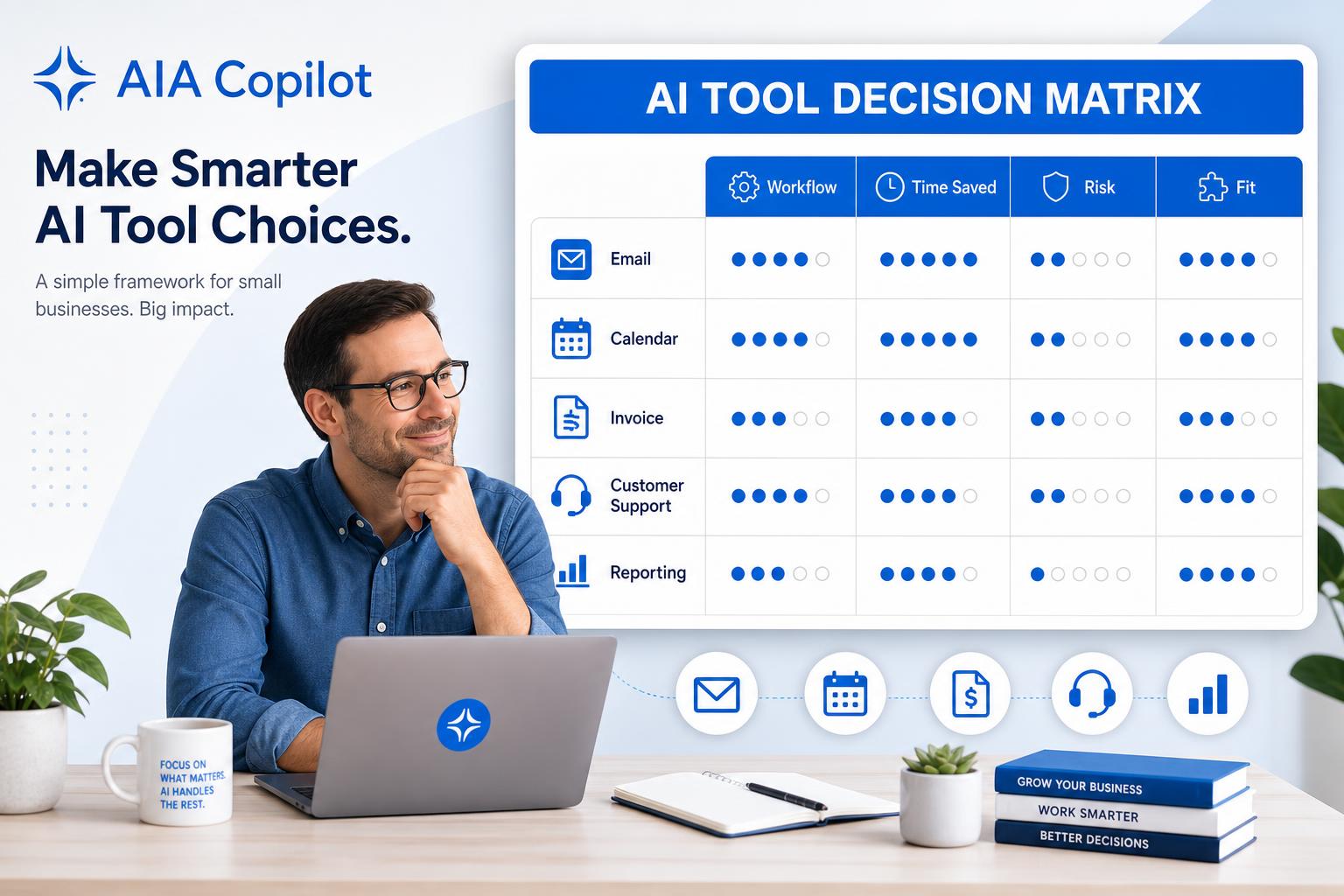
Why small businesses need an AI tool decision matrix
Most small businesses do not fail with AI because they picked the wrong brand. They fail because they bought a tool before deciding which workflow needed to change.
One owner wants faster follow-up. Another wants cleaner meeting notes. Another wants fewer scheduling messages, invoice reminders, intake questions, or status reports. Those problems do not all need the same AI tool.
A decision matrix slows the buying decision down just enough to protect the business. It forces you to ask: what work are we fixing, how much time could we save, what data is involved, who will use it, and how will we know it worked?
If you are still defining where AI should start, read How to Save Time with AI in Your Business and How to Choose AI Tools Without an IT Department alongside this guide.
The simple AI tool decision matrix
Score each possible tool from 1 to 5 in each category. A 5 means strong fit. A 1 means weak fit or high friction. The highest score is not always the automatic winner, but it shows you which option deserves the first 30-day test.
| Category | What to ask | Why it matters |
|---|---|---|
| Workflow fit | Does this tool solve the exact workflow we picked? | Avoids buying general AI when the pain is specific. |
| Hours saved | Can this save at least 2-5 hours per week? | Keeps the test tied to ROI, not novelty. |
| Data risk | Will it touch customer, financial, legal, or employee data? | Controls privacy and approval risk early. |
| Team fit | Will the team use it in tools they already open daily? | Adoption fails when AI becomes another place to check. |
| Integration need | Does it need to connect email, calendar, CRM, accounting, or forms? | Prevents underestimating setup time. |
| Human review | Can a person approve the output before it matters? | Keeps customer-facing and financial work safe. |
| Cost fit | Is the monthly cost justified by time saved or revenue protected? | Stops subscription creep before it starts. |
Step 1: Choose the small business workflow first
Do not compare AI tools in the abstract. Compare them against one workflow. For most owner-led teams, the strongest candidates are:
- Sales follow-up: leads go cold because replies, reminders, and next steps depend on memory.
- Customer intake: the team asks the same clarifying questions before every job or engagement.
- Scheduling: too much time disappears into availability, reminders, and rescheduling.
- Invoicing and estimates: quote drafts, invoice reminders, and payment follow-up happen late.
- Meeting notes and tasks: decisions are made but owners, due dates, and next steps are unclear.
- Weekly reporting: the owner manually pulls numbers from too many systems.
These workflows are better starting points than broad goals like “use AI more.” They are repeated, visible, and measurable. They also connect naturally to guides like Best AI Admin Tools for Small Business and Run an AI Workflow Audit Before You Buy Another Tool.
Step 2: Score the AI tools by business outcome
Once the workflow is clear, compare only the tools that could realistically improve it. Here is a practical example for a small professional services firm trying to reduce follow-up delays.
| Tool option | Workflow fit | Hours saved | Risk | Team fit | Total |
|---|---|---|---|---|---|
| Microsoft Copilot in Outlook | 5 | 4 | 4 | 5 | 18 |
| ChatGPT or Claude | 4 | 4 | 3 | 3 | 14 |
| CRM built-in AI | 5 | 3 | 4 | 4 | 16 |
| Zapier, Make, or Power Automate | 3 | 5 | 3 | 2 | 13 |
In this example, Copilot or CRM AI probably deserves the first test because the workflow already lives in email or the CRM. Automation may come later after the team knows which steps should happen automatically.
Step 3: Match common AI tools to small business use cases
Use Microsoft Copilot when work lives in Microsoft 365
Copilot is often a good fit when the team already uses Outlook, Teams, Word, Excel, OneDrive, and SharePoint. It can help with email drafts, meeting summaries, document rewrites, spreadsheet analysis, and internal knowledge retrieval.
Best first use cases: email management, meeting notes, document summaries, proposal drafts, and internal reporting.
Use ChatGPT or Claude when you need flexible drafting and thinking
General AI assistants are useful for brainstorming, rewriting, summarizing, creating checklists, preparing customer replies, and turning messy notes into clear action plans. They are strongest when a person can review the output before it leaves the business.
Best first use cases: first drafts, SOPs, customer reply templates, planning, content outlines, and decision support.
Use CRM AI when the problem is leads and follow-up
If leads live in your CRM, start there before adding a separate tool. Built-in CRM AI can help summarize conversations, draft follow-up, prioritize deals, and remind the team what needs attention.
Best first use cases: lead follow-up, pipeline summaries, next-step reminders, and sales activity recaps.
Use automation tools when the work crosses systems
Power Automate, Zapier, and Make are useful when the same information moves between forms, email, spreadsheets, calendars, CRMs, and accounting tools. But automation should follow workflow clarity, not replace it.
Best first use cases: intake routing, appointment reminders, invoice follow-up, task creation, and status notifications.
Want help choosing the right first AI tool?
Book an AI consultation. We will compare candidate workflows by business impact, readiness, risk, and measurement before recommending a tool.
If you want more examples first, download 300 Ways to Use AI and mark the tasks your team repeats every week.
Step 4: Run a 30-day AI tool test
Do not roll out a new AI tool to the whole business on day one. Run a focused test:
- Pick one workflow: example: quote follow-up, intake summaries, meeting notes, or weekly reporting.
- Choose one owner: one person is responsible for testing and feedback.
- Set a baseline: measure minutes per task, response time, missed follow-ups, or number of manual handoffs.
- Use human review: approve customer-facing, financial, legal, and sensitive outputs.
- Measure after 30 days: keep the tool only if it saves time, improves consistency, reduces mistakes, or protects revenue.
For a broader rollout plan, use Executive AI Roadmap for Small Business.
Red flags before buying an AI tool
The sales demo does not use your workflow. Generic demos look impressive but hide the real setup work.
The tool needs clean data you do not have. If contacts, files, tickets, or invoices are messy, budget time for cleanup.
No one owns adoption. AI becomes shelfware when there is no workflow owner, training plan, or success metric.
The first use case has high risk. Do not start with legal advice, pricing decisions, HR decisions, or fully automated customer responses. Start where a human can review.
The tool creates another inbox. If the team has to remember to check one more dashboard, adoption will be hard.
AI tool decision checklist
- What workflow are we improving?
- How many hours per week could this save?
- What data will the tool access?
- Who reviews the AI output before it matters?
- Will the team use this inside tools they already open?
- What setup, training, or cleanup is required?
- What number will prove the tool worked after 30 days?
Stop comparing AI tools in a vacuum
Schedule a free consultation and we will help you score your first AI workflow, choose the simplest tool, and define the 30-day success metric.
Conclusion
Small businesses do not need more AI hype. They need a practical way to decide what to test first. Use the matrix to compare tools by workflow fit, hours saved, risk, team adoption, integration needs, review process, and cost. Then run one 30-day test before expanding.
About the Author
Scott Hay is a Microsoft Certified Trainer specializing in AI, Microsoft Copilot, Azure AI, and Power Platform. With 30+ years in enterprise technology, including roles at Microsoft and Amazon, he founded AIA Copilot to help small businesses implement AI automation that delivers real results.