AI Workflow Test Plan for Small Business
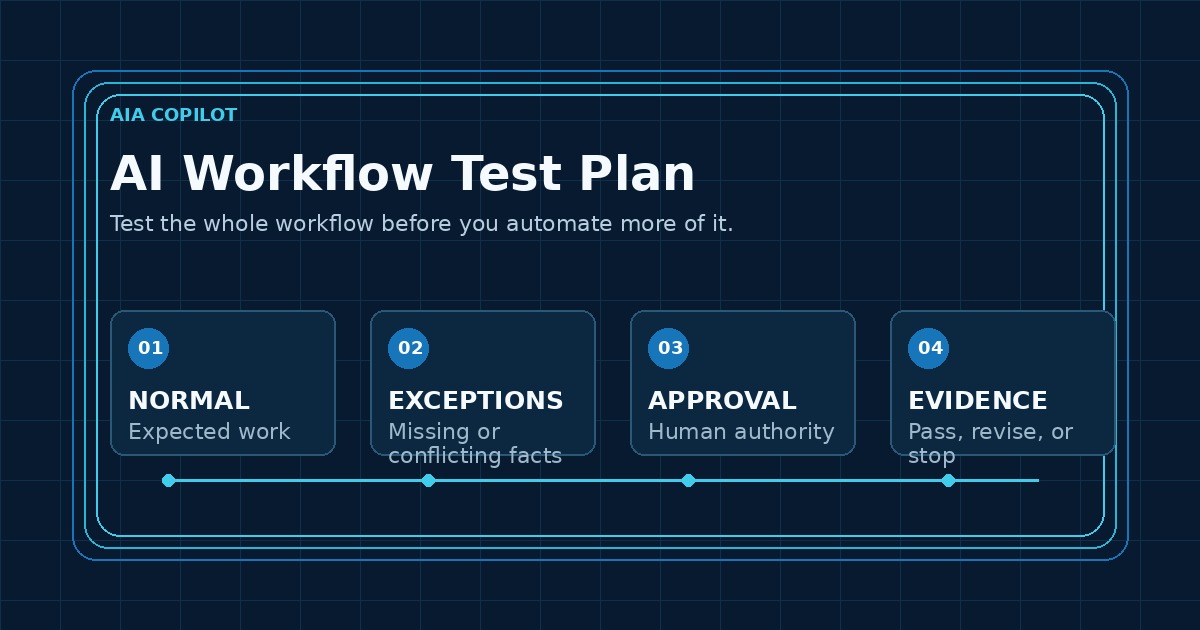
A polished demo proves that an AI workflow can work once. A test plan shows whether your team can trust it during ordinary work.
Small businesses often test only the happy path: a complete request goes in and a clean draft comes out. Real operations are messier. Notes are incomplete, dates conflict, customers ask for exceptions, permissions change, and the person who normally approves the work is unavailable. Testing those conditions before launch prevents a fast workflow from becoming a faster source of mistakes.
What buyers should require before an AI workflow goes live
A practical test plan should name eight things before the first test begins:
- Trigger: the event that starts the workflow.
- Approved sources: the inbox, form, CRM record, document, or system the workflow may use.
- Expected output: the summary, draft, task, recommendation, or update it should produce.
- Owner: the person accountable for the business result.
- Approval rule: what a person must review before anything consequential happens.
- Exceptions: the conditions that require a stop, question, or escalation.
- Evidence: what will show why the output was produced and what happened next.
- Success measure: the operational signal that proves the workflow is worth keeping.
If those items are unclear, the workflow is not ready to test. It is still an idea.
Use five test cases, not one perfect example
The first test set does not need hundreds of examples. It needs enough variety to expose the business risks that a demo hides.
| Test case | What it checks | Expected behavior |
|---|---|---|
| Normal case | Complete, accurate source information | Prepare the expected output and route it for review |
| Missing information | A required field, date, attachment, or customer detail is absent | Ask for the missing fact or stop; do not invent it |
| Conflicting information | Two sources disagree | Show the conflict and escalate to the owner |
| Sensitive exception | Pricing, refund, complaint, legal, HR, financial, or private-data issue | Keep the action behind the designated human approval gate |
| System failure | A source, integration, or approver is unavailable | Fail visibly, preserve the work, and provide a safe next step |
Use recent, representative work after removing unnecessary personal or confidential information. Synthetic examples can help with edge cases, but they should not replace testing the workflow shape your team actually handles.
Verify the source before judging the AI output
An AI answer can look reasonable while using the wrong record, an outdated policy, or only part of an email thread. Reviewers should see the output beside the source facts used to create it.
For each case, ask:
- Did the workflow use only the approved source?
- Were names, dates, amounts, status, and ownership carried over correctly?
- Did it distinguish facts from suggestions?
- Did it expose missing or contradictory information?
- Could the reviewer trace the output back to the relevant source?
If source selection is unreliable, improving the wording of the prompt will not solve the underlying problem. Fix the information path first.
Test authority and approval rules separately
Accuracy is not the same as authorization. A draft may be factually correct and still make a promise the system is not allowed to make.
Run separate checks for customer-facing messages, prices or discounts, refunds, schedule commitments, contract language, employee matters, sensitive data, and external system changes. Confirm that the workflow routes each case to the right person and cannot silently bypass review.
The first release should normally prepare work rather than send, approve, purchase, delete, or commit on its own. More autonomy should be earned from repeated evidence, not granted because one demonstration went well.
Define pass, revise, and stop outcomes
A useful test does not end with “looks good.” Record one of three outcomes for every case:
- Pass: the source, output, approval route, and final record met the agreed standard.
- Revise: the workflow was useful but needs a specific change to its input, instructions, output format, routing, or review step.
- Stop: the workflow guessed, bypassed authority, exposed sensitive information, failed invisibly, or created more review work than it removed.
A stopped case is not a failed AI program. It is evidence that protects the business and identifies the next bounded improvement.
Measure whether the workflow helps the team
Technical accuracy alone does not prove operational value. During the first 30 days, track signals your team can verify:
- eligible cases completed through the intended workflow
- outputs approved with light edits versus major rewrites
- exceptions correctly stopped or escalated
- time from trigger to reviewed result
- work that had to be repeated because the input or output was wrong
- team members who use the workflow consistently without side channels
Do not invent a dollar return from these counts. Use them to decide whether the workflow saves preparation time, reduces missed steps, and improves consistency.
Turn the test plan into a 30-day implementation path
If you have not selected a workflow yet, an AI Time Back Audit can compare candidates by time drain, repeatability, information readiness, risk, and adoption effort.
Once the target is clear, a 30-Day AI Workflow Sprint can map the job, define the test cases, build the first bounded version, run it with real work, and document what must remain behind human approval.
After launch, Managed AI Operations keeps the test set useful as tools, policies, source data, and business exceptions change. The goal is not a one-time pass. It is a workflow that stays dependable.
Frequently asked questions
How do you test an AI workflow for a small business?
Test normal work, missing information, conflicting information, sensitive requests, and system failures. Verify the source facts, output, approval route, escalation behavior, and final record for each case.
What should an AI workflow test plan include?
Include the trigger, approved sources, expected output, owner, approval rules, exception cases, stop conditions, measurements, and a record of what passed or failed.
When is an AI workflow ready for more automation?
Expand only after it repeatedly uses reliable inputs, produces acceptable outputs, routes exceptions correctly, preserves human authority for consequential decisions, and is used consistently by the team.
Test the business workflow, not just the model
The model is only one part of the system. The source information, handoffs, permissions, review decisions, exception path, and operating habits determine whether the workflow is useful. Test that whole chain before you automate more of it.
Include the operating handoff in acceptance testing
A workflow is not ready merely because its test cases pass. Use the AI Implementation Exit Packet to confirm the business also owns the system map, access register, test set, failure runbook, cost ceiling, export plan, and ownership record.

Microsoft Certified Trainer with 30+ years in enterprise technology, including roles at Microsoft and Amazon. Helps businesses implement practical AI systems tied to customer growth, capacity, margin, and execution.