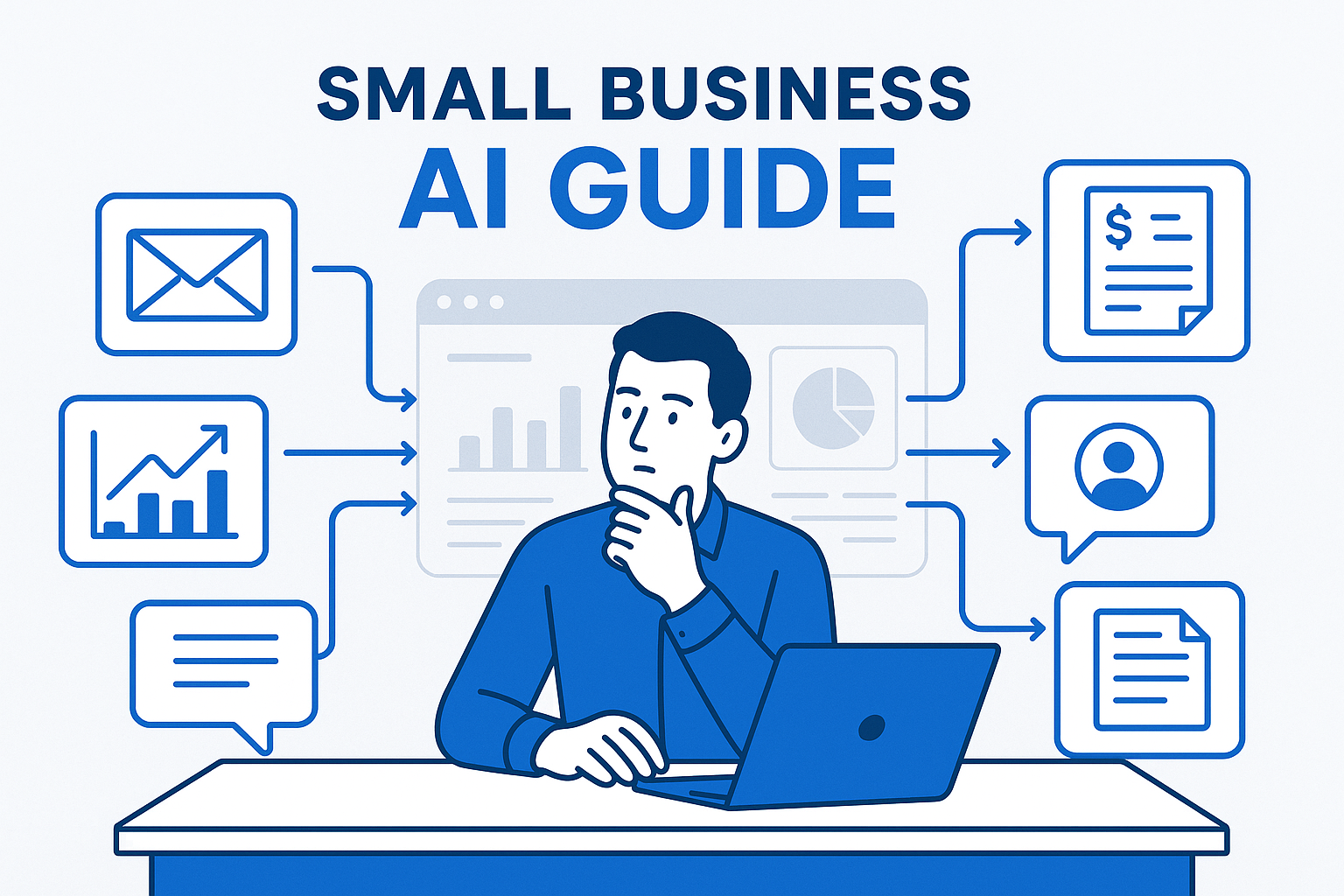
How to choose AI tools without wasting money
The fastest way to waste money on AI is to shop by demo instead of by workflow. A slick interface does not matter if the tool does not remove a real bottleneck from your week.
Start with three questions:
- Which task repeats every day or every week?
- Which task currently depends on one busy person?
- Which task creates delays for customers, leads, or cash flow?
If you answer those first, the tool decision gets much easier. If you need help finding the right starting point, begin with our AI workflow audit before buying tools.
Best AI tools for email, drafting, and everyday admin
For many small businesses, the first win is not an advanced AI agent. It is faster writing, cleaner summaries, and less time stuck in the inbox.
Best fit: Microsoft Copilot or ChatGPT, depending on where your team already works.
If your business lives in Outlook, Word, Excel, and Teams, Microsoft Copilot is often the simplest fit because it meets employees where they already spend time. If your team needs flexible drafting, brainstorming, and content generation across many business tasks, ChatGPT is often easier to test quickly.
Good use cases: email drafting, proposal first drafts, customer response summaries, meeting recap cleanup, internal SOP drafts, and weekly status updates.
Watch out for: buying licenses before you have clear use cases. Many teams underuse AI because they buy access first and training later. If that sounds familiar, read our Microsoft Copilot training guide.
Need help narrowing the list?
Start with AI for Small Business, compare your options in First AI Tool for Small Business, or book an AI consultation if you want help matching one workflow to one tool without overbuying.
Related guides: Your First AI Tool Stack for Operations and How to Choose AI Tools Without an IT Department.
Best AI tools for scheduling, intake, and customer response speed
If your team wastes time on calendar ping-pong, intake back-and-forth, and repetitive appointment communication, look for tools that reduce the handoff burden.
Best fit: scheduling platforms with AI-assisted messaging, forms tools with automation, and simple front-desk workflows connected to your email or CRM.
For service businesses, medical practices, consultants, and local operators, the biggest gain usually comes from speeding up first response and reducing missing information before the job even starts.
Good use cases: appointment booking, confirmations, reminder sequences, form cleanup, intake summaries, and routing requests to the right person.
Expected impact: many small teams save 3 to 8 hours per week just by reducing reschedules, repeated questions, and missing intake details.
Two helpful companion reads are AI scheduling automation for small business and AI client intake automation.
Best AI tools for sales follow-up and proposal bottlenecks
Leads usually do not go cold because the business is bad at selling. They go cold because follow-up depends on memory, manual notes, and one overloaded coordinator.
Best fit: AI tools connected to your CRM, inbox, and quote workflow.
The right setup should do three things well: summarize the opportunity, draft the next message, and remind the team what needs to happen next. If proposal creation is the actual bottleneck, choose tools that speed up the first draft while keeping final review with a human.
Good use cases: post-call summaries, follow-up email drafts, proposal outlines, quote reminders, stale lead reactivation, and pipeline next-action prompts.
Expected impact: owners often recover 5 to 10 hours per week and improve response consistency without hiring another admin or coordinator.
For a deeper look, see AI CRM follow-up automation and AI for proposals and quote generation.
Best AI tools for invoicing, reporting, and operational cleanup
Some of the highest-ROI AI tools are the least glamorous. They help you get paid faster, close reporting gaps, and reduce admin drag across the week.
Best fit: using AI to handle repeatable work plus AI-assisted drafting, exception detection, and reporting summaries.
If invoices sit too long, if reports take hours to assemble, or if nobody enjoys chasing status updates, AI can tighten the workflow without replacing your systems. The goal is not to rebuild accounting or analytics from scratch. The goal is to reduce the manual steps around them.
Good use cases: invoice reminders, collections escalation drafts, weekly KPI summaries, spreadsheet explanation, executive recap emails, and recurring report generation.
Expected impact: 2 to 6 hours saved weekly in reporting alone, plus faster cash collection if invoice follow-up is improved.
Related guides include AI invoice follow-up automation and AI reporting for business owners.
A simple AI tool stack for most small businesses
If you want the shortest version, most small businesses should start with this structure:
- One AI assistant for writing and summaries, such as Microsoft Copilot or ChatGPT
- One using AI to handle repeatable work layer, such as Power Automate or another business automation tool already connected to your systems
- One focused use-case tool for meetings, scheduling, intake, invoicing, or CRM follow-up
That is usually enough to test value without turning your business into a patchwork of disconnected apps. Our first AI tool stack for operations goes deeper on that decision.
What small business buyers should avoid
Avoid buying by hype. If the seller cannot explain what specific workflow will be faster in the next 30 days, do not buy yet.
Avoid replacing process with software. A messy handoff stays messy after you add AI. Clean up the handoff first.
Avoid too many point tools. Five small subscriptions can create more confusion than one well-chosen system.
Avoid skipping governance. Even beginner-friendly tools need simple rules for approved use, review, and data handling.
Where to start this month
If you are new to AI, do not start by asking, “What is the best AI tool?” Start by asking, “Which workflow is costing us the most time every week?”
Pick one workflow. Measure how long it takes now. Test one AI-assisted improvement for two weeks. Keep it if it saves time and improves consistency. Replace it if it does not.
That is how owners build momentum without overwhelm.
Need Help Choosing the Right AI Tools?
Book an AI Time Back Audit and we will identify the highest-value workflow candidates, the tools worth testing, and the clearest measure of success.
Conclusion
The best AI tools for small business are not the most advanced ones. They are the ones that remove a repeatable bottleneck from email, intake, sales follow-up, scheduling, invoicing, or reporting. Start with one workflow, one tool, and one measurable outcome. That is how small businesses get real ROI from AI without getting buried in options.
About the Author
Scott Hay is a Microsoft Certified Trainer specializing in AI, Microsoft Copilot, Azure AI, and Power Platform. With 30+ years in enterprise technology, including roles at Microsoft and Amazon, he founded AIA Copilot to help small businesses implement AI automation that delivers real results.
Choose your next step
- AI for Small Business if you need the bigger strategy before narrowing the tool list.
- First AI Tool for Small Business if you want the fastest low-risk first purchase or first test.
- Your First AI Tool Stack for Operations if you are building a small stack around everyday workflows.
- How to Choose AI Tools Without an IT Department if you need a buying filter without relying on vendor demos.