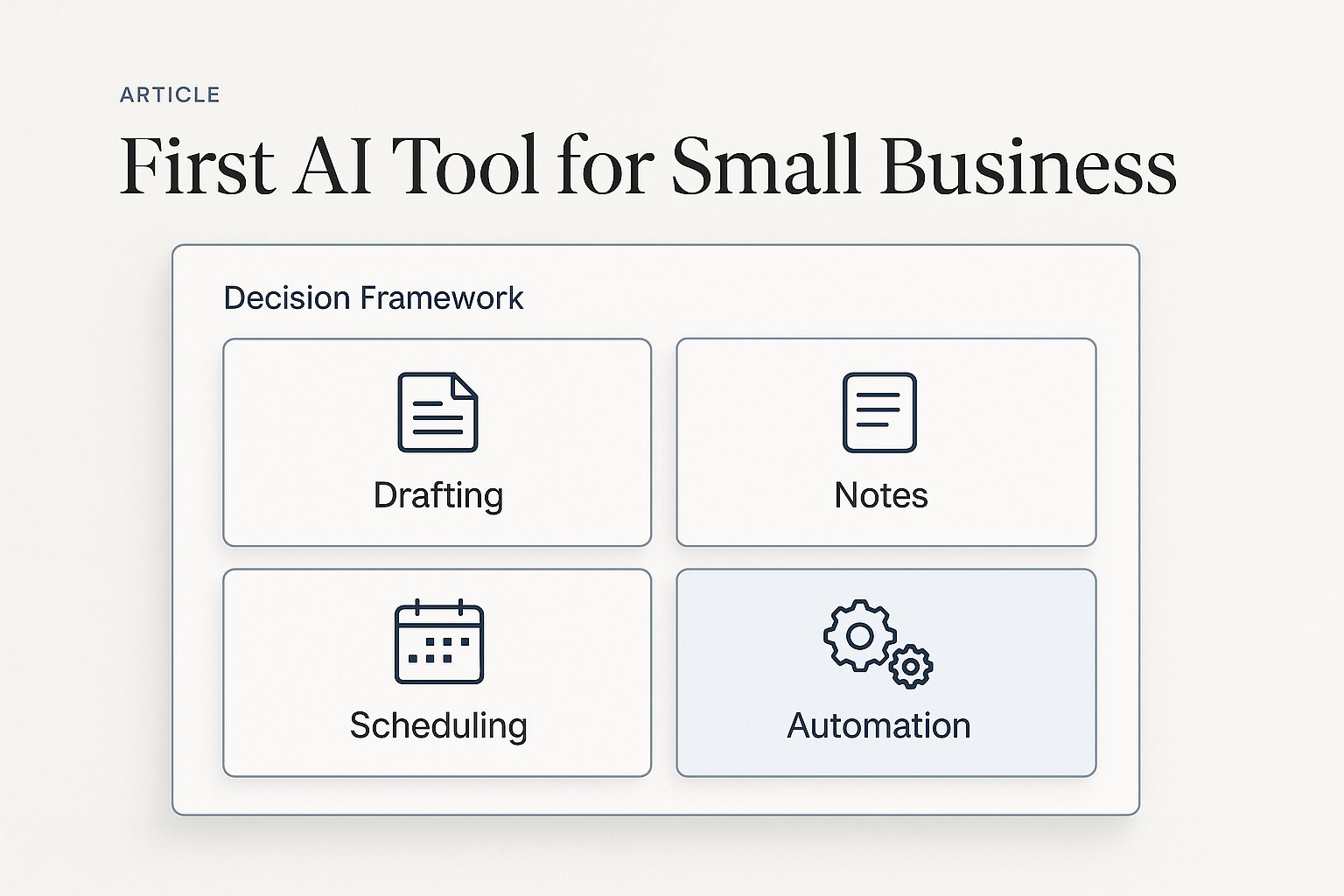
Why most small businesses should not start with automation
Automation sounds exciting, but it is usually the wrong first purchase. If your team has not yet learned how to use AI for writing, summarizing, and drafting, advanced automation will add complexity before it adds value.
Your first win should be simple, visible, and used every day. That usually means a tool that helps with email, notes, proposals, client communication, and document cleanup. Once that habit is in place, automation becomes much easier to justify and deploy.
If you are still deciding where to begin, start with our guide on how to start using AI in your small business.
The best first AI tool for email, notes, and drafts
For most small businesses, the best first AI tool is an assistant that handles everyday communication and documentation.
Choose Microsoft Copilot if: your team already works in Outlook, Word, Excel, and Teams all day. It keeps the workflow inside tools your employees already know, which makes adoption easier and reduces the friction of learning a brand-new system.
Choose ChatGPT if: you want a flexible assistant for drafting, brainstorming, summarizing, rewriting, and quick research across many business tasks. It is often the fastest way to test AI value before making bigger software decisions.
Good first use cases: writing customer replies, summarizing long email threads, creating first-draft proposals, cleaning up meeting notes, documenting standard operating procedures, and turning rough ideas into polished messages.
Typical time savings: 5 to 10 hours per week for owners and admins who spend large parts of the day in email, notes, and repetitive writing.
Need help choosing the first tool with confidence?
Start with AI for Small Business, compare options in Best AI Tools for Small Business in 2026, or book an AI consultation if you want help matching one painful workflow to the right first tool.
Best next reads: Your First AI Tool Stack for Operations and Best AI Workflows for Small Business.
When your first AI tool should be scheduling or intake software
Not every business starts with writing. If your biggest bottleneck is appointment coordination, lead intake, or missing information before work begins, your first AI tool should help at the front door.
This is especially common for local service businesses, dental offices, consultants, and firms with constant back-and-forth before the real work starts.
- Best fit: AI-assisted scheduling, intake forms, reminder workflows, and front-desk summaries
- Best outcome: fewer delays, fewer missed details, and faster first response to leads and customers
- Expected savings: 3 to 8 hours per week plus fewer dropped opportunities
Two strong next reads are AI scheduling automation for small business and AI client intake automation for small business.
When your first AI tool should support sales follow-up
If your leads go cold because follow-up is inconsistent, your first AI tool should help your team respond faster and keep deals moving.
In many small businesses, the problem is not a lack of leads. It is the time gap between inquiry, callback, quote, proposal, and next step. A good AI assistant can summarize calls, draft follow-up emails, suggest next actions, and reduce the lag that causes deals to fade.
Best fit: businesses that live on estimates, proposals, or recurring sales conversations.
Expected savings: 4 to 8 hours per week and better response consistency across the pipeline.
Related reads: AI CRM follow-up automation and AI for proposals and quote generation.
How to choose the right first AI tool without getting overwhelmed
Do not ask which AI tool has the most features. Ask which tool removes the most repetitive work this month.
Use this buyer-first filter:
- Frequency: Does the task happen daily or weekly?
- Friction: Does it slow down customers, leads, cash flow, or delivery?
- Fit: Will the tool work inside software your team already uses?
- Adoption: Can one person start using it this week without a full rollout?
- ROI: Can you measure time saved, response speed, or throughput within 30 days?
If a tool fails three of those five tests, it is probably not your first AI tool.
A simple first-month AI rollout for small business owners
Week 1, pick one workflow. Email, meeting notes, proposal drafting, scheduling, or intake are usually the strongest starting points.
Week 2, give one person ownership. That person should use the tool every day and document what got faster, easier, or cleaner.
Week 3, measure the result. Look for hours saved, fewer handoff errors, faster follow-up, or reduced backlog.
Week 4, decide whether to expand, replace, or add automation around the winning workflow.
This is the same logic behind our best AI tools for small business guide and our AI tool stack for operations. Start narrow, prove value, then layer in more capability.
What small business buyers should avoid first
Avoid buying multiple tools at once. Too many teams create confusion by testing five tools badly instead of one tool well.
Avoid buying based on demos alone. A good demo does not guarantee a better workday.
Avoid skipping training. Even the right tool underperforms if the team never learns how to use it in daily work.
Avoid chasing advanced agents before basic habits exist. If the team is not yet using AI to draft, summarize, and organize, custom agents will not fix the problem.
Need Help Choosing Your First AI Tool?
Book an AI Time Back Audit and we will identify the workflow with the strongest business case, the right tool for your team, and the clearest measure of success.
Conclusion
The first AI tool for a small business should make everyday work easier right away. For most teams, that means starting with Microsoft Copilot or ChatGPT for writing, summarizing, and documentation. If your bigger bottleneck is scheduling, intake, or follow-up, start there instead. The goal is not to buy the smartest tool. The goal is to remove one expensive bottleneck and build confidence from a real win.
About the Author
Scott Hay is a Microsoft Certified Trainer specializing in AI, Microsoft Copilot, Azure AI, and Power Platform. With 30+ years in enterprise technology, including roles at Microsoft and Amazon, he founded AIA Copilot to help small businesses implement AI automation that delivers real results.