Best AI Workflows for Small Business
Small business owners do not need more AI tools. They need fewer manual steps. If you are overwhelmed by the number of apps, models, and subscriptions on the market, ignore the noise and focus on workflows instead. The best AI workflow is the one that removes a bottleneck your team already feels.
For most owners, that means speeding up customer response, reducing back office cleanup, and making sure nothing falls through the cracks. If you have not picked your first software yet, read First AI Tool for Small Business after this article. If you are still comparing platforms, see Best AI Tools for Small Business in 2026.
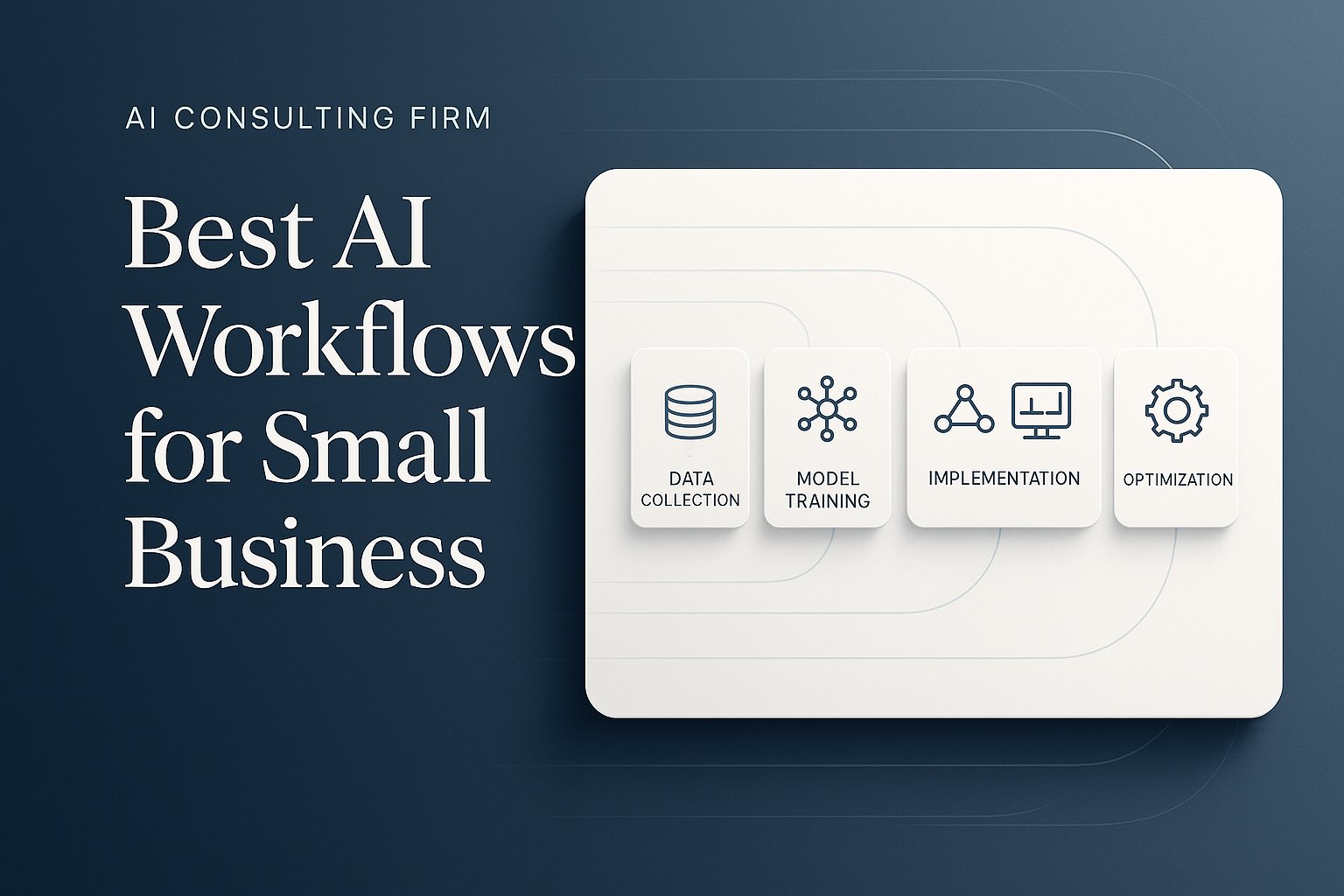
Start with workflows, not software features
AI works best when it is tied to a real operating problem. A better question than "Which AI tool should I buy?" is "Where do we lose time every week?"
- Look for repetition: tasks that happen daily or weekly
- Look for delay: tasks that slow down quotes, callbacks, scheduling, or cash collection
- Look for inconsistency: tasks that depend on one person remembering every step
If a workflow is frequent, manual, and tied to revenue or service quality, it is a strong AI candidate.
1. Customer inquiries and lead follow-up
This is one of the highest-return AI workflows for local businesses, service firms, and operators who lose leads after hours or during busy days. AI can categorize inquiries, draft replies, suggest next steps, and trigger reminders so every lead gets a fast response.
Good fit for: consultants, home service companies, law firms, agencies, and any business that relies on inbound inquiries.
Typical savings: 4 to 6 hours per week, plus fewer missed deals.
Why it matters: speed to first response often determines who wins the work.
Related read: AI CRM Follow-Up Automation.
Want help finding the best first workflow?
Start with AI for Small Business, compare workflow fit in AI Use Cases for Small Business, or book an AI consultation if you want help choosing one high-ROI workflow to test first.
Related reads: First AI Tool for Small Business and Best AI Tools for Small Business in 2026.
2. Scheduling and appointment coordination
Scheduling is a hidden time drain. Teams bounce between email, text, calendars, and missed confirmations. AI can suggest appointment windows, summarize customer needs before the meeting, and send reminders automatically.
Good fit for: coaches, clinics, contractors, sales teams, and businesses with many back-and-forth booking messages.
Typical savings: 3 to 5 hours per week, with fewer no-shows and less calendar chaos.
Why it matters: cleaner scheduling improves both customer experience and team utilization.
Related read: AI Scheduling Automation for Small Business.
3. Intake, forms, and document collection
Many small businesses collect information poorly. Customers send partial details, staff re-enter data manually, and projects stall while someone chases missing documents. AI can review submissions, extract key details, flag missing fields, and package everything into a clean summary.
Good fit for: professional service firms, healthcare practices, insurance, real estate, and businesses that handle onboarding paperwork.
Typical savings: 5 to 8 hours per week.
Why it matters: better intake improves downstream work quality and reduces costly rework.
Related read: AI Intake Forms and Document Automation.
4. Invoicing and payment follow-up
Owners should not be spending Friday afternoon chasing payments, checking invoice status, or manually sending reminder emails. AI can draft payment reminders, summarize overdue accounts, and prepare owner-friendly follow-up lists.
Good fit for: agencies, consultants, home service companies, and any team with recurring invoices or quote-to-cash friction.
Typical savings: 2 to 4 hours per week, plus faster collections.
Why it matters: time saved is good, but cash flow improvement is even better.
Related read: AI Invoice Follow-Up Automation.
5. Weekly reporting and owner dashboards
Many owners wait too long for basic answers: Which jobs are open? Which leads stalled? Which invoices are overdue? Which clients need attention? AI can pull updates from multiple systems, summarize what changed, and prepare a weekly management brief.
Good fit for: founders, operators, and office managers who make decisions from scattered spreadsheets and inboxes.
Typical savings: 3 to 5 hours per week, with faster decision-making.
Why it matters: a good owner dashboard helps you act earlier, not just report later.
Related read: AI Reporting Dashboards for Owners.
How to choose your first AI workflow
Use this simple filter before you buy anything:
- Frequency: does this happen at least several times per week?
- Pain: does it create delays, errors, or frustration?
- Value: would fixing it save at least 3 hours per week or improve revenue response time?
If a workflow scores high on all three, start there. Do not launch five AI pilots at once. One clear win creates the confidence, adoption, and internal proof you need for the next step.
A simple 30-day rollout for non-technical teams
Week 1: map the current workflow and count how many manual steps it takes.
Week 2: test AI on a small batch, such as one inbox, one office admin, or one type of document.
Week 3: measure time saved, error reduction, and response speed.
Week 4: standardize the process, assign an owner, and decide whether to expand.
This is the business-first path. You do not need a developer, a giant prompt library, or a new stack on day one. You need one process, one metric, and one owner.
Find your best first AI workflow
Book an AI Time Back Audit and we will identify the workflow with the strongest business case, choose the right tool for it, and map the next 30 days. That gives you a clear starting point instead of another pile of AI options.
Conclusion
The best AI workflows for small business are not flashy. They are the repetitive jobs that waste time, slow down response, and create unnecessary drag. Start with lead follow-up, scheduling, intake, invoicing, or reporting. Pick one workflow. Measure one result. Then expand once the first win is real.
About the Author
Scott Hay is a Microsoft Certified Trainer specializing in AI, Microsoft Copilot, Azure AI, and Power Platform. With 30+ years in enterprise technology, including roles at Microsoft and Amazon, he founded AIA Copilot to help small businesses implement AI automation that delivers real results.