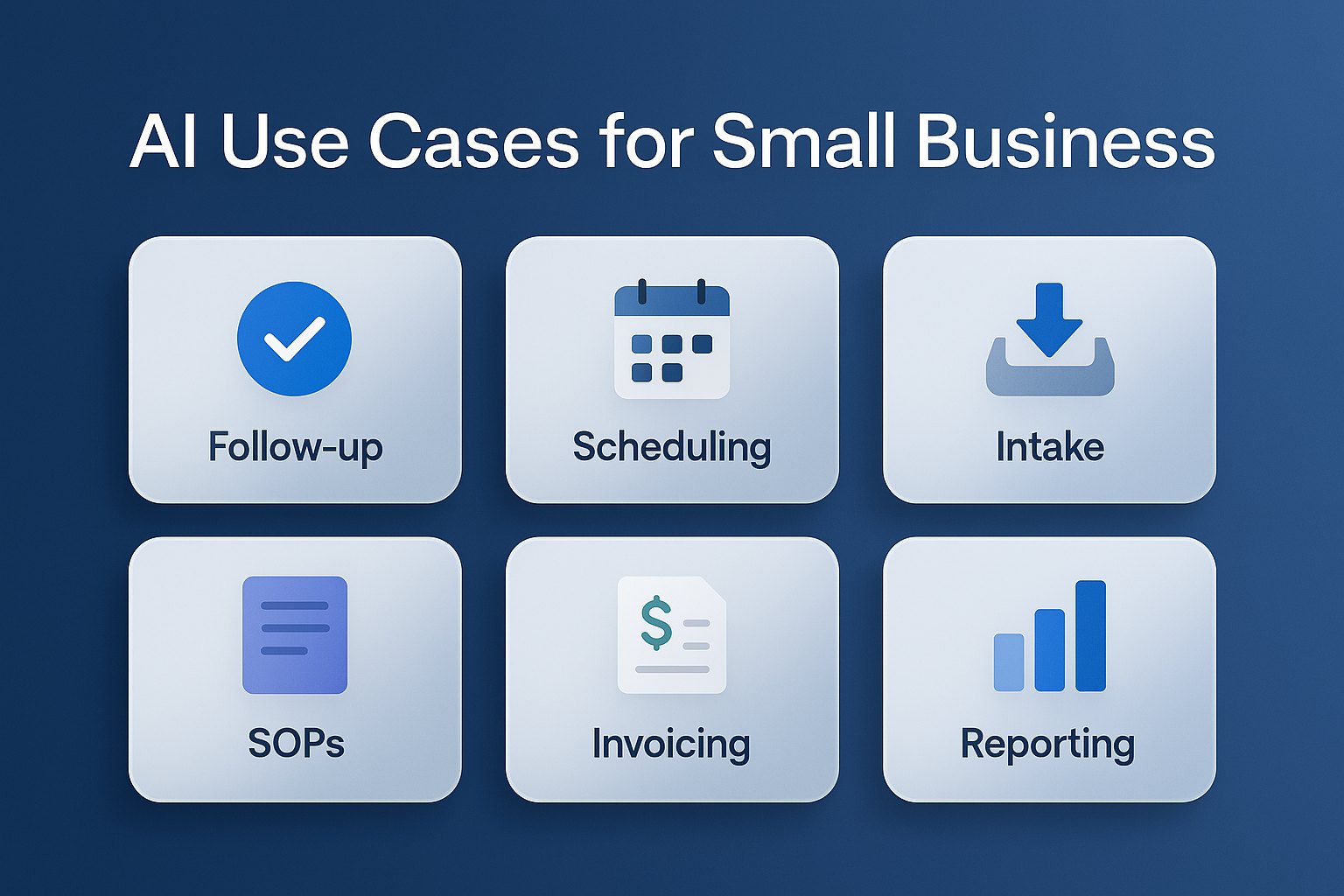
Where small business owners should start with AI
Most small business owners do not need a custom agent on day one. They need one workflow that gets faster, cleaner, and easier to manage. That is why the right question is not, “What can AI do?” It is, “Where are we repeating the same work every day?”
The best first AI use cases share three traits:
- They happen often enough to matter every week
- They create delays for leads, customers, or cash flow
- They already follow a repeatable pattern
If you are still choosing where to begin, pair this article with our AI workflow audit before buying tools and our guide to choosing your first AI tool.
1. AI for sales follow-up and missed lead recovery
This is one of the best AI use cases for small business because the cost of delay is obvious. A lead comes in, someone gets busy, and the follow-up goes out late or not at all.
AI can summarize inquiry details, draft the next message, suggest next steps, and remind your team when a lead has gone quiet. For many service businesses and professional firms, that removes 3 to 5 hours of manual coordination every week.
Best fit for: consultants, local service businesses, agencies, law firms, accounting firms, and any team managing leads in email or a CRM.
Internal bottleneck to watch: if only one person knows which leads need attention, this use case should move up the list. For more depth, see AI CRM follow-up automation.
2. AI for scheduling, confirmations, and intake cleanup
Scheduling looks simple until it becomes a full-time interruption machine. Back-and-forth emails, missing details, reschedules, and no-show prevention all create hidden admin costs.
AI works well here by cleaning up intake submissions, summarizing appointment requests, drafting confirmations, and flagging missing information before a human has to chase it down. Many small teams save 2 to 4 hours per week with this alone.
Best fit for: home services, clinics, consultants, coaches, and any business where appointments or consultations drive revenue.
Related reading: AI scheduling automation for small business and AI client intake automation.
Need help choosing the best first use case?
Start with AI for Small Business, review Best AI Workflows for Small Business, or book an AI consultation if you want help identifying the first use case most likely to save time fast.
Best next reads: First AI Tool for Small Business and Best AI Tools for Small Business in 2026.
Why these use cases are worth trusting
- They are chosen for speed to value: each use case is repetitive, measurable, and likely to produce a visible win in the first month.
- They match real operator pain: follow-up, intake, documentation, invoicing, and reporting are where small teams usually feel time loss first.
- They support tool decisions later: choosing the right use case first makes it much easier to choose the right tool without hype or overbuying.
3. AI for meeting notes, SOPs, and internal documentation
Documentation is usually important and rarely urgent, which means it gets skipped. Then owners answer the same questions again, employees rely on memory, and training stays inconsistent.
AI can turn meeting notes into action items, convert rough process notes into SOP drafts, and organize recurring knowledge into searchable summaries. This is one of the highest-leverage AI use cases for growing teams because it reduces dependence on tribal knowledge.
Expected impact: 2 to 6 hours saved each week, plus fewer mistakes when handoffs improve.
Good companion guides: AI meeting notes and action items and AI for documentation and SOPs.
4. AI for proposals, estimates, and quote preparation
When proposals depend on copying old files, retyping scope details, or waiting for the owner to review every first draft, sales slows down. AI can shorten the first-draft stage without removing human review.
This use case works best when your quotes follow a repeatable pattern, even if each client needs custom language. Teams often save 1 to 3 hours per proposal and improve speed to first response.
Best fit for: consultants, contractors, MSPs, agencies, and service businesses that send frequent estimates or scopes of work.
See also: AI for proposals and quote generation.
5. AI for invoicing follow-up and cash collection
Late payment is rarely a software problem. It is usually a follow-up problem. Invoices sit because reminders are inconsistent, wording is awkward, or nobody has time to keep nudging clients.
AI can draft reminder messages, summarize account status, prepare escalation notes, and help standardize collection communication. That means less awkward chasing and more consistent process.
Expected impact: better follow-up discipline, a cleaner receivables process, and faster cash collection with less owner involvement.
Internal link: AI invoice follow-up automation.
6. AI for weekly reporting and owner dashboards
Owners often wait too long for visibility because reporting lives in spreadsheets, inboxes, and verbal updates. By the time the numbers are assembled, the moment to act has already passed.
AI helps by summarizing KPIs, translating spreadsheet changes into plain language, and turning raw updates into a weekly owner recap. This is especially useful for operators who want a simple business snapshot without spending Friday afternoon building it.
Best fit for: owners who want quick answers on pipeline, jobs, invoices, utilization, or team activity.
Related reads: AI reporting dashboards for owners and AI ROI calculator for small business.
7. AI for customer service and repeat questions
If your team answers the same ten questions every week, AI can help organize, draft, and speed up those responses. That does not mean replacing human service. It means handling the repetitive layer faster.
Common examples include service questions, onboarding instructions, policy explanations, appointment prep, and post-sale support summaries. Even a modest improvement here can protect several hours of frontline capacity.
Best fit for: any business with repeat inquiries by phone, form, email, or chat.
Go deeper: AI customer service automation.
How to pick the best AI use case for your business
Use this simple filter before you buy anything:
- Choose one workflow that repeats every week
- Estimate current time spent by owner or staff
- Define one result, such as faster follow-up, fewer missed details, or shorter turnaround time
- Test one tool or automation for two weeks
- Keep only what saves time clearly
If you skip the measurement step, AI feels interesting but unproven. If you track time saved, response speed, and consistency, the right next move becomes obvious.
What not to automate first
Do not start with your most complex workflow. Do not start with the most hyped tool. And do not start with a process that changes every day and has no clear owner.
The best early AI wins come from stable, repetitive work with obvious friction. That is why most small businesses should begin with admin, communication, and operational follow-through before moving into more advanced builds.
Want Help Picking the Right First AI Use Case?
Book an AI Time Back Audit and we will identify the workflows with the strongest business case, the tools worth testing, and the clearest measure of success.
Conclusion
The best AI use cases for small business are usually boring in the best possible way. They remove repetitive admin work, speed up follow-up, improve handoffs, and help owners see what matters sooner. Start with one use case, one measurable workflow, and one clear business outcome. That is how AI becomes useful instead of overwhelming.
About the Author
Scott Hay is a Microsoft Certified Trainer specializing in AI, Microsoft Copilot, Azure AI, and Power Platform. With 30+ years in enterprise technology, including roles at Microsoft and Amazon, he founded AIA Copilot to help small businesses implement AI automation that delivers real results.