AI Workflow Exception Log for Small Business
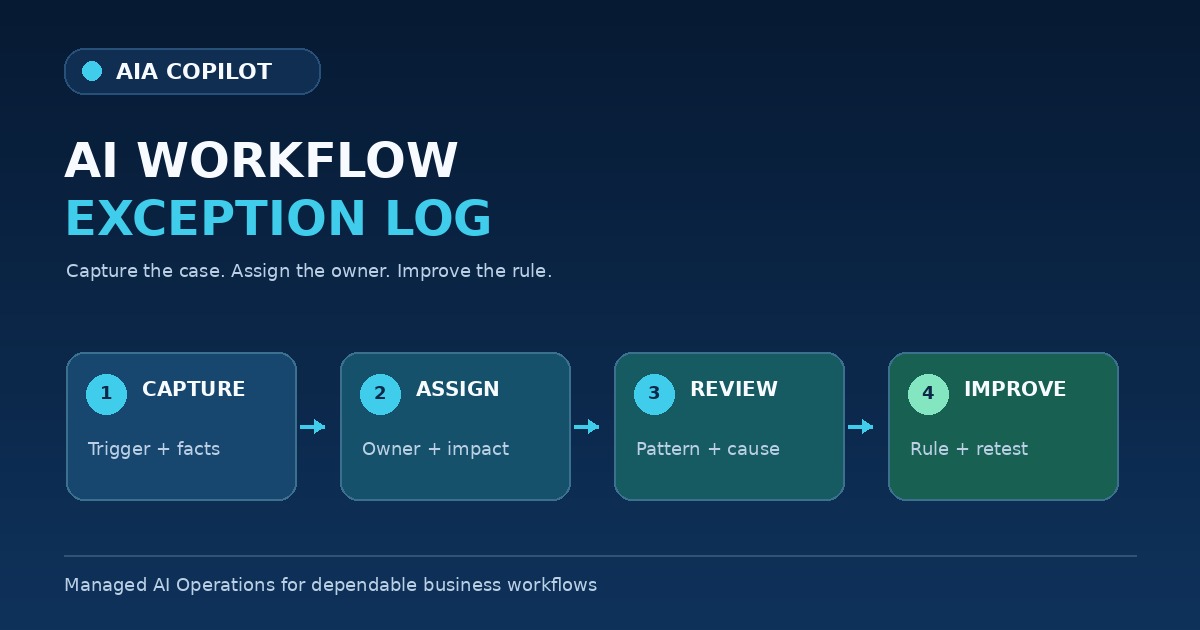
A dependable AI workflow is not one that never encounters an exception. It is one that makes exceptions visible, routes them to the right person, and improves from what happened.
Small businesses rarely operate on perfect information. A customer leaves out a date. Two systems show different statuses. A request falls outside the normal policy. An integration fails. A draft uses the wrong tone for a sensitive situation. If those cases disappear into email threads and staff memory, the same problem returns.
An exception log creates a practical feedback loop between daily work and the rules that govern the workflow.
What problem does an AI exception log solve?
Most workflow problems appear first as isolated annoyances. Someone fixes a bad draft, completes a missing field, or works around a failed handoff and then moves on. The immediate task gets finished, but the system learns nothing.
A shared exception log separates three questions:
- What happened in this case? The facts needed to resolve the current work.
- Why did the normal workflow fail? The missing rule, unreliable source, unclear ownership, or technical problem.
- What should change? The instruction, data path, approval rule, integration, or scope of the workflow.
This keeps a one-time correction from being mistaken for a permanent fix.
Use eight fields for every exception
The log can live in a spreadsheet, task board, service desk, CRM, or operations database. The tool matters less than a consistent record. Start with eight fields:
- Date and workflow: when the exception appeared and which workflow was running.
- Trigger: the message, form, event, schedule, or system action that started the work.
- Source reference: a safe pointer to the approved record used for review, not a copy of unnecessary sensitive data.
- Observed behavior: what the workflow produced, skipped, or attempted.
- Expected behavior: what the business rule required instead.
- Impact: whether the case caused delay, rework, customer risk, financial risk, privacy risk, or no external impact.
- Owner and resolution: who handled the current case and what temporary action was taken.
- Decision: revise the workflow, change the source, add a rule, improve training, pause the workflow, or accept the exception as a human-only case.
Write enough for another person to understand the case without reconstructing the entire day. Do not turn the log into a dump of private messages, credentials, or customer files.
Classify exceptions by the action they require
A useful log does more than count failures. It helps the team decide what kind of response is appropriate.
| Exception type | Typical signal | Next action |
|---|---|---|
| Input problem | Missing, stale, duplicated, or conflicting source information | Fix the form, source, validation, or information owner |
| Rule gap | The case is valid but the workflow has no instruction for it | Add a bounded rule or keep the case human-only |
| Output problem | The draft or classification is inaccurate, incomplete, or inappropriate | Revise the prompt, template, examples, or review criteria |
| Authority problem | The workflow attempts a promise, send, approval, or change it should not make | Tighten permissions and approval gates immediately |
| System problem | An integration, account, API, or destination is unavailable | Fail visibly, preserve the work, and repair the technical path |
| Adoption problem | People bypass the workflow or cannot tell what to do next | Simplify the handoff, clarify ownership, or retrain the team |
Define immediate stop conditions
Not every exception can wait for the weekly review. Pause the affected action and route it to the designated owner when the workflow:
- uses the wrong customer, employee, financial, or project record
- reveals information to someone who should not receive it
- attempts an unauthorized send, purchase, deletion, commitment, or system change
- invents a price, policy, date, status, or approval
- fails without making the unfinished work visible
- repeats a known error after the team believed it was corrected
A stop condition is not an admission that the project failed. It is a business control that prevents a contained exception from becoming a larger incident.
Run a 20-minute weekly exception review
During a new rollout, review the queue weekly with the workflow owner and the person responsible for implementation. Keep the meeting focused:
- Resolve any open high-impact cases.
- Group repeated exceptions by input, rule, output, authority, system, or adoption.
- Choose the smallest change that addresses the repeated cause.
- Assign one owner and a verification step.
- Retest the changed path with a normal case and at least one exception case.
- Close the record only when the resolution is verified or the case is explicitly designated human-only.
Do not rewrite the entire workflow because one unusual case appeared. Repeated patterns deserve system changes. Rare cases may simply need a clear escalation path.
Use the first 30 days to establish the feedback loop
A new workflow should begin with tighter observation than a mature one:
- Week 1: define the owner, exception categories, stop conditions, and where the log will live.
- Week 2: run the workflow with human review and log cases that require correction or escalation.
- Week 3: fix the most common input or rule gap and retest the affected path.
- Week 4: decide which steps are dependable, which need another improvement cycle, and which should remain human-owned.
If you are still deciding which workflow deserves this effort, an AI Time Back Audit can compare candidates by time drain, repeatability, information readiness, risk, and adoption effort.
When the target is clear, a 30-Day AI Workflow Sprint can define the operating rules, build the first version, establish the exception log, and test the workflow with real work before more authority is added.
Turn exception evidence into ongoing improvement
After launch, the exception log becomes part of Managed AI Operations. It shows where the workflow is drifting, where business policy has changed, which integrations are unreliable, and which requests still create avoidable manual work.
The goal is not to automate every exception. The goal is to know which cases should become a better standard path and which should stay with a person because they require judgment, empathy, authority, or specialized expertise.
Frequently asked questions
What is an AI workflow exception log?
It is a short operating record of cases the workflow could not complete safely or correctly. It captures the trigger, source facts, observed behavior, business impact, temporary resolution, owner, and rule or system change required.
What should a small business record in the log?
Record when the exception happened, what triggered it, the relevant source reference, what the workflow did, what should have happened, who owns the resolution, and whether the workflow should be revised, paused, or left unchanged.
How often should exceptions be reviewed?
Review urgent or high-risk exceptions immediately. Review the full queue weekly during a new rollout. Reduce the cadence only after the workflow is stable and exception volume is low.
Make failures visible before adding more automation
More automation is not the first response to a messy workflow. Visibility is. A simple exception log gives owners the evidence to improve the source information, clarify the rules, protect authority, and decide where AI is dependable enough to do more.

Microsoft Certified Trainer with 30+ years in enterprise technology, including roles at Microsoft and Amazon. Helps businesses implement practical AI systems tied to customer growth, capacity, margin, and execution.