AI Customer Intake Workflow for Small Business
Customer intake is one of a safe first AI workflows for a small business because the pain is visible. Requests arrive from forms, email, voicemail, chat, social messages, and referrals. Someone has to read them, find the important details, decide what kind of work it is, create the next task, and follow up. When that handoff is manual, leads get missed and owners lose time chasing details.
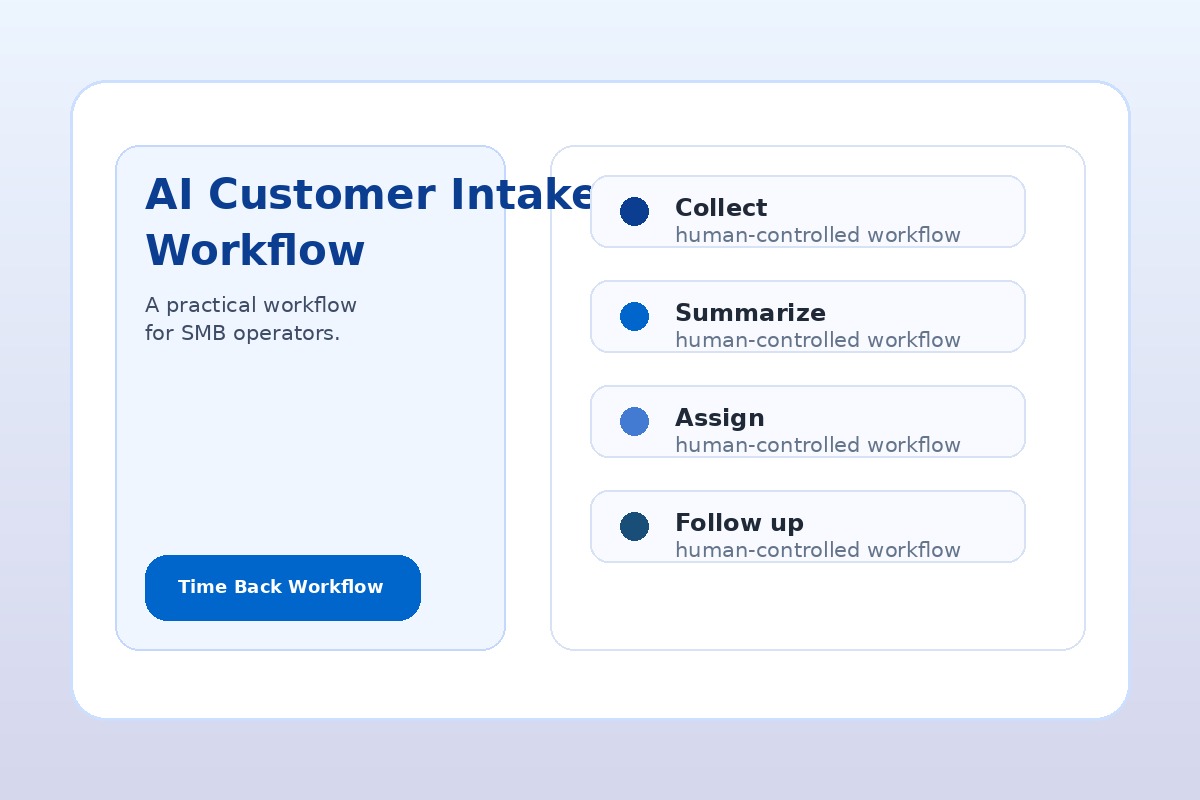
Why Customer Intake Is a Strong First AI Workflow
Most small businesses do not need a complicated AI platform to start. They need fewer dropped requests, cleaner handoffs, and faster first responses. Intake is a good first target because it is repetitive, text-heavy, and usually reviewable before anything reaches the customer.
The goal is not to replace the front desk, sales coordinator, dispatcher, or owner. The goal is to remove the first-pass admin work: reading messy messages, extracting details, classifying urgency, and turning the request into a task someone can act on.
A practical intake workflow can support home services, professional services, local medical or dental offices, agencies, consultants, coaches, repair companies, and any business where new requests arrive faster than the team can organize them.
The Customer Intake Problems AI Can Fix
Before choosing tools, name the operational problem. AI is useful when the current intake process creates one of these issues:
- New leads sit in a shared inbox without a clear owner.
- Customers repeat the same details because the first message was not summarized.
- Urgent requests are mixed with low-priority questions.
- Quote requests do not become tasks in the CRM, scheduler, or project board.
- The owner has to read every message to decide what matters.
- Follow-up depends on memory instead of a visible queue.
These are workflow problems, not just writing problems. A chatbot alone will not solve them. The win comes from connecting capture, summary, routing, ownership, and review.
A Simple AI Intake Workflow for Small Business
Use this five-step pattern before building anything more advanced.
1. Capture the Request in One Place
Pick one starting channel first: website form, shared inbox, voicemail transcription, chat transcript, or CRM lead form. Do not try to automate every channel on day one. The cleanest first workflow usually starts where the most valuable requests already arrive.
2. Summarize the Customer Request
AI creates a short internal summary with the customer name, contact information, requested service, deadline or urgency, location, missing details, and recommended next step. This gives the team a standard intake brief instead of a messy message thread.
3. Classify the Next Action
The workflow tags the request by category such as sales lead, service issue, scheduling request, billing question, document request, urgent callback, or not a fit. A person can still change the category. The AI simply reduces the sorting work.
4. Create the Task and Assign an Owner
The summarized request should become a task, CRM note, ticket, calendar hold, or internal notification. The important rule is ownership. If the workflow does not create a visible next action, it is only a nicer summary.
5. Draft the First Follow-Up
AI can draft a response that thanks the customer, confirms what was received, asks for missing information, and sets an expectation for next contact. Keep human approval in the loop until the team trusts the workflow and knows which messages are safe to send automatically.
The Safe Starting Rule
Let AI summarize, classify, and draft. Keep people in charge of pricing, promises, exceptions, refunds, diagnosis, and final customer-facing approval until the workflow has been tested.
Example: Intake Workflow for a Home Service Business
A plumbing, HVAC, electrical, landscaping, appliance repair, or cleaning company might start with website form submissions and voicemail transcripts.
- AI summary: customer name, address, issue, urgency, preferred callback time, and missing details.
- Routing: emergency service, estimate request, warranty question, scheduling change, or general inquiry.
- Task: create a callback task for the office team or dispatcher.
- Draft: prepare a response asking for photos, model numbers, availability, or service address if missing.
The business outcome is simple: fewer missed leads, faster routing, and less owner involvement in first-pass sorting.
Example: Intake Workflow for Professional Services
An accounting firm, law office, agency, consultant, or coaching business might use AI to triage contact forms, referral emails, and meeting requests.
- AI summary: prospect type, requested service, deadline, current tools or documents, and decision stage.
- Routing: new lead, active client request, billing/admin, document review, or not a fit.
- Task: create a CRM note and assign follow-up to the right person.
- Draft: prepare a scheduling reply or missing-information request for review.
The business outcome is more consistent response quality without asking senior staff to read every raw message first.
What Tools Can Power an AI Intake Workflow?
The right tool depends on where your intake already happens. Microsoft 365 businesses might use Outlook, Teams, SharePoint, Microsoft Forms, Copilot, Copilot Studio, Planner, and Power Automate. Other teams might use Gmail, Google Forms, Slack, Zapier, Make, HubSpot, Jobber, ServiceTitan, Clio, QuickBooks, or an industry CRM.
Do not choose the tool first. Choose the workflow first. A lightweight workflow that summarizes one form submission into a task is more valuable than an expensive platform your team does not use.
Measure the Workflow by Time Back, Not AI Activity
For the first 30 days, measure practical outcomes:
- How many new requests were captured?
- How many were summarized correctly?
- How many needed human correction?
- How many follow-up tasks were created?
- How much owner or admin time was saved?
- Did response speed improve?
A good first workflow does not need perfect automation. It needs to make the next action clearer and faster every week.
Your First 30 Days With AI Customer Intake
- Week 1: pick one intake channel and document what a complete request should include.
- Week 2: create a standard AI summary format and test it on real messages.
- Week 3: connect the summary to a visible task, CRM note, or follow-up queue.
- Week 4: review errors, update the routing rules, and decide whether any low-risk follow-up can be sent automatically.
This is the kind of workflow that fits a 30-Day AI Workflow Sprint because it is narrow, measurable, and close to revenue.
Want to Find Your Best First AI Workflow?
AIA Copilot helps business owners identify where requests, follow-up, scheduling, reporting, and handoffs are limiting customers, capacity, margin, or execution. Start with an AI Time Back Audit, then turn the strongest opportunity into a working 30-Day AI Workflow Sprint.
Book an AI Time Back Audit