AI Customer Onboarding for Small Business
Many small businesses work hard to win a customer, then lose momentum during onboarding. The sale is closed, the appointment is booked, or the agreement is signed — but the next steps live across email, notes, forms, texts, calendars, invoices, and someone's memory. That is where AI can give real time back.
Why Customer Onboarding Is a Good First AI Workflow
Customer onboarding is a strong AI starting point because it is repeatable, text-heavy, and easy to review. Every new customer needs the same basic things: context, expectations, documents, appointments, tasks, ownership, and follow-up. The details change, but the workflow pattern is usually stable.
That makes onboarding safer than many flashy AI ideas. You do not need an autonomous agent making decisions. You need an assistant that organizes messy information and prepares the next step for a person to approve.
For service businesses, professional firms, agencies, clinics, contractors, and local operators, a better onboarding workflow can reduce missed handoffs, speed up response times, and protect the owner from becoming the manual coordinator for every new customer.
The Small Business Customer Onboarding Problem
Most onboarding breakdowns are not caused by a lack of effort. They happen because information enters the business in too many places.
- A lead form has one version of the customer's request.
- An email thread has the real context.
- A salesperson or owner has notes from a call.
- The calendar has the appointment.
- The invoice, estimate, or agreement has the scope.
- The operations team needs a clear handoff.
When nobody has time to consolidate that information, the customer feels the gaps. They repeat themselves. Your team asks avoidable questions. Follow-up slips. The owner jumps in to clarify what should already be documented.
What AI Should Do in Customer Onboarding
The best AI customer onboarding workflow does not replace the person who owns the relationship. It prepares the work so that person can move faster.
Start with these practical jobs:
- Summarize the customer: Pull the need, background, timeline, decision maker, risks, promised next steps, and open questions into one internal note.
- Find missing information: Compare the intake details against a standard checklist and flag what the team still needs.
- Draft the welcome email: Prepare a friendly customer-facing message that confirms next steps, documents, deadlines, and who to contact.
- Create internal kickoff notes: Convert emails, call notes, or forms into a clean handoff for operations, service, support, or delivery.
- Turn promises into tasks: Identify commitments such as send proposal, schedule visit, collect deposit, prepare access, order materials, or request documents.
- Prepare follow-up reminders: Make sure nobody has to remember to check in manually three days later.
These are high-leverage because they remove blank-page work and reduce avoidable rework without giving AI final authority.
A Simple AI Onboarding Workflow
Here is a practical workflow a small business can implement without overbuilding:
- Capture the trigger. A customer signs, schedules, pays, accepts a quote, or completes an intake form.
- Collect the source material. Pull the form, email thread, call notes, quote, calendar event, and any attached documents.
- Generate an internal onboarding summary. AI creates a structured note with customer details, scope, next steps, risks, and missing items.
- Draft the welcome or kickoff email. AI prepares a message, but a person reviews before sending.
- Create tasks and reminders. The workflow assigns owners, dates, and follow-up checkpoints in your existing task system or CRM.
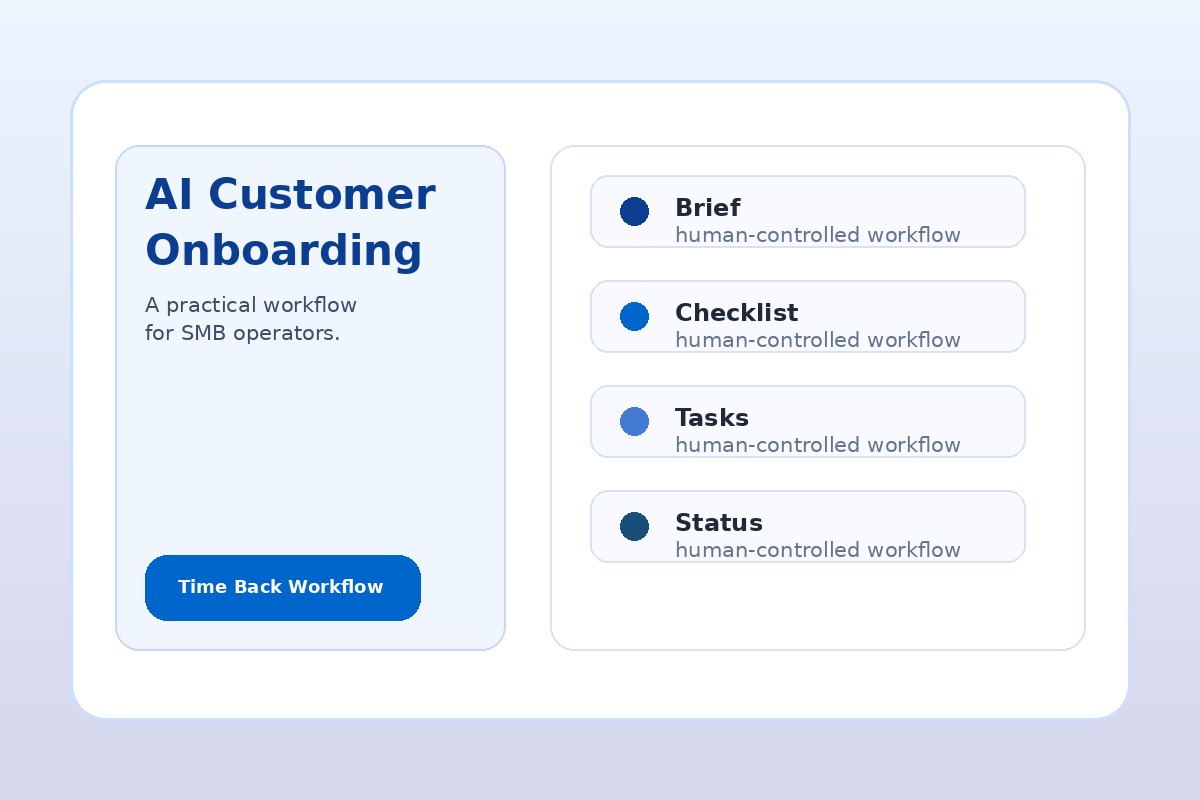
- Produce a weekly onboarding status view. The owner can see which new customers are waiting on documents, scheduling, payment, or internal work.
This can start as a manual AI-assisted process in Microsoft Copilot, ChatGPT, Claude, or your CRM. Once the steps are stable, automation tools such as Power Automate, Zapier, Make, or CRM workflows can move the handoffs.
Use Human Approval Before Customer-Facing Automation
Onboarding touches trust. New customers are deciding whether they made the right choice. That means your first version should keep a person in the loop.
Use AI to draft, summarize, classify, and remind. Have a human approve anything that goes to the customer, changes scope, promises dates, discusses pricing, or handles sensitive information. This keeps the workflow useful without creating avoidable risk.
A good rule: automate the checklist before you automate the conversation. Once the checklist is reliable, you can decide whether parts of the communication should be automated later.
Example: Home Services Customer Onboarding
For an HVAC, plumbing, electrical, landscaping, cleaning, or repair business, onboarding may start when a quote is accepted or a service appointment is booked.
AI can prepare:
- Job summary from quote notes and customer messages
- Access instructions, address, gate codes, pets, parking, or site constraints
- Material or equipment notes for the technician
- Customer confirmation email draft
- Follow-up reminder after the visit
- Review request draft after completion
The business outcome is not “getting AI working in the business.” It is fewer missed details, faster scheduling, and less time spent chasing information.
Example: Professional Services Client Onboarding
For an accounting firm, consultant, agency, legal office, insurance agency, or coaching business, onboarding often involves documents, background context, deadlines, and relationship expectations.
AI can prepare:
- Client brief from the sales call, proposal, and email thread
- Missing-document checklist
- Kickoff agenda draft
- Internal delivery notes for the assigned team member
- Client welcome email with next steps
- Recurring follow-up reminders until the onboarding checklist is complete
This protects expert time. The partner, owner, or senior team member reviews the plan instead of rebuilding it from scattered notes.
What to Measure in the First 30 Days
Do not measure the first onboarding workflow by whether it feels impressive. Measure whether it saves time and reduces dropped handoffs.
Track these simple signals:
- Minutes spent preparing each new customer handoff before and after
- Number of missing-information requests caught before kickoff
- Number of customer follow-ups sent on time
- Number of tasks created with a clear owner and due date
- Owner or manager time spent chasing onboarding status
- Customer questions caused by unclear next steps
You do not need perfect analytics. A simple before-and-after review is enough to know whether the workflow deserves expansion.
Tools That Can Support AI Customer Onboarding
The right tool depends on what your business already uses. Avoid buying a new platform before you map the workflow.
- Microsoft 365 Copilot: useful when onboarding information lives in Outlook, Teams, Word, SharePoint, and Microsoft 365.
- ChatGPT or Claude: useful for drafting checklists, welcome emails, summaries, and standard operating procedures.
- Power Automate, Zapier, or Make: useful when you are ready to move information between forms, CRM, email, calendar, and task tools.
- Your CRM or practice management system: useful when it already holds customer records, stages, tasks, and communication history.
The workflow matters more than the logo. Pick the first tool based on where the onboarding work already happens.
Quick Onboarding Prompt
Copy/paste starter: “Review the customer information below. Create a new-customer onboarding brief with: customer goal, background, scope, promised next steps, missing information, internal tasks, customer-facing welcome email draft, risks, and follow-up reminders. Do not invent facts. Mark anything uncertain as needs confirmation.”
How This Fits a 30-Day AI Workflow Sprint
Customer onboarding is a good candidate for a 30-day sprint because the workflow is narrow enough to ship. You can map the current process, choose the source systems, build the summary and checklist pattern, test it with a few real customers, and refine the review rules in one month.
A practical sprint might include:
- Week 1: map the onboarding steps and identify the highest-friction handoff
- Week 2: build the AI summary, checklist, and welcome draft templates
- Week 3: connect the workflow to email, forms, CRM, calendar, or task tools where appropriate
- Week 4: test with the team, adjust approval rules, and document the operating process
That is the difference between “we tried AI” and “we changed how onboarding work gets done.”
Want Your Onboarding Workflow Mapped?
AIA Copilot helps business owners identify where onboarding, intake, follow-up, reporting, and handoffs are limiting customer outcomes or delivery capacity. Start with an AI Time Back Audit, then turn the highest-value workflow into a practical 30-day implementation plan.
Book an AI Time Back Audit