AI Inbox Triage for Small Business
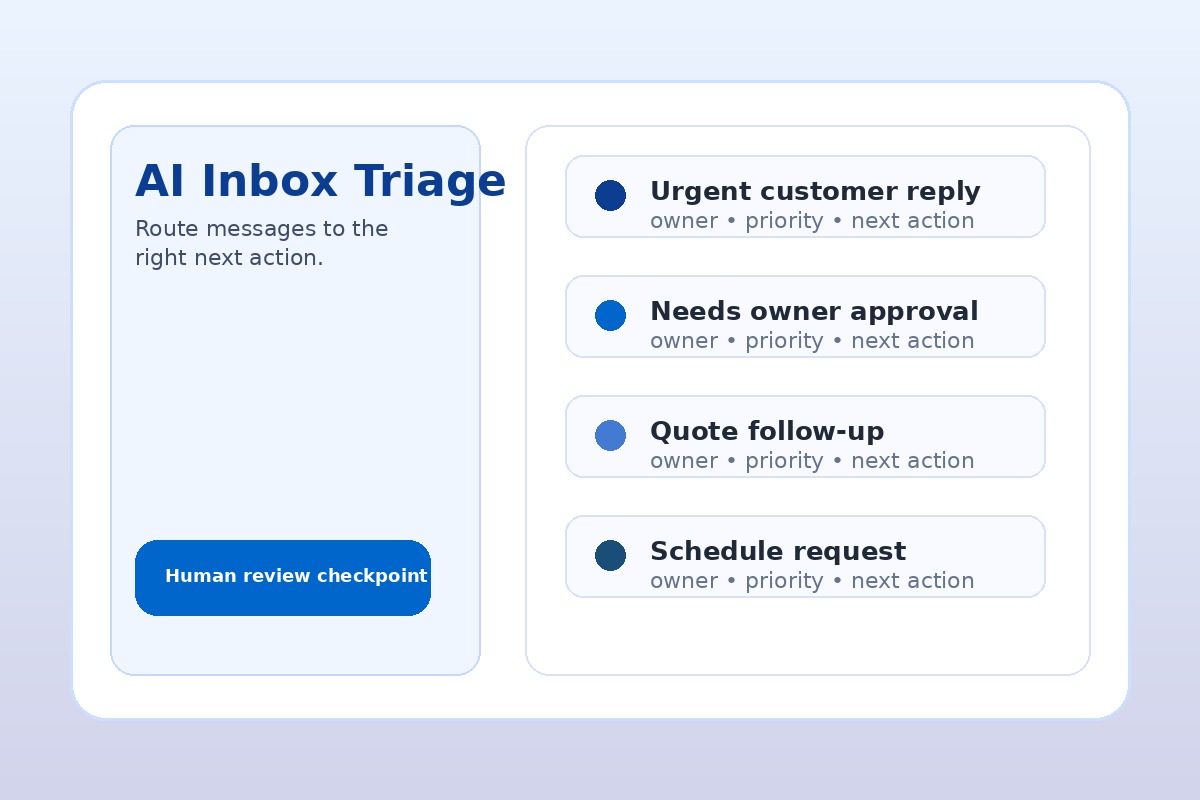
Small business owner reviewing an AI inbox triage queue with urgent customer messages, follow-up drafts, and task owners
Direct answer: AI inbox triage helps a small business stop treating email like a to-do list. Start with one inbox, classify messages by urgency and next action, let AI draft replies or tasks, and keep a person in approval before anything goes to a customer.

If email is where leads, customer requests, approvals, scheduling changes, and internal questions all pile up, AI can help you see what matters first without adding another complicated system.

Why inbox triage is a practical AI workflow for SMBs

For many small businesses, the inbox is not just communication. It is the front desk, sales queue, customer service desk, approval log, scheduling board, and owner interruption machine.

That makes it a strong first AI workflow. The work is repeated every day, the source material is already written down, and a human can quickly review AI suggestions before anything customer-facing happens.

The goal is not inbox zero. The goal is faster routing, fewer dropped customer messages, cleaner follow-up, and less owner time spent scanning threads to decide what matters.

What AI inbox triage should do first

A useful AI inbox triage workflow starts with classification, not automation. Before AI sends anything, it should help your team answer four questions:

If those four fields are clear, the inbox becomes a queue the business can manage instead of a pile of interruptions.

A simple AI email workflow for small business

Start small. Pick one inbox or shared mailbox. Do not connect every system on day one. A practical first version can run with Microsoft Outlook and Copilot, Gmail plus Gemini, Claude or ChatGPT for draft review, or a lightweight automation tool such as Power Automate or Zapier if your team already uses it.

StepAI assists withHuman stays responsible for
1. Read new messagesSummarize the thread and identify the requestConfirming the summary is accurate
2. Add labelsSuggest urgency, topic, owner, and next actionFixing labels for edge cases
3. Draft the responsePrepare a short reply, request for missing info, or internal noteApproving customer-facing language
4. Create the taskTurn the next step into a task with owner and due dateMaking sure the work actually gets done

This is the same business-first pattern behind an AI operations assistant: use AI to reduce searching, summarizing, drafting, and routing while humans keep judgment and accountability.

Best inbox labels for owners and operators

Keep the first label set boring. If the labels are too clever, nobody will use them. Start with:

These categories are intentionally plain because they map to real operating decisions. They also support other workflows such as an AI follow-up system or an AI task management process.

Where to keep a human approval gate

Small businesses should not start by letting AI auto-reply to everyone. That creates avoidable risk and makes mistakes harder to catch.

Keep human review for:

Once the team trusts the triage labels and drafts, you can automate low-risk pieces such as moving newsletters to folders, creating draft tasks, or summarizing recurring vendor updates. Customer-facing sends should earn autonomy slowly.

How to measure the first 30 days

Do not measure this workflow by how many AI features you turned on. Measure whether the inbox is easier to run.

A realistic first target is to save a few hours per week and reduce missed follow-up. If the workflow proves useful, it can become part of a broader 30-Day AI Workflow Sprint.

When inbox triage is the right first AI project

This is a strong first project when your team already loses time to repeated email scanning, lead follow-up, customer questions, internal approvals, or scheduling changes. It is not the right first project if the inbox is low volume, poorly shared, or full of sensitive messages that need case-by-case expert judgment.

If you are unsure, start with an AI Time Back Audit. The audit ranks inbox triage against other candidates such as intake, scheduling, reporting, proposals, documentation, and customer service so you do not automate the wrong bottleneck first.

Want to stop running your business from the inbox?

AIA Copilot helps SMB owners identify the workflow most likely to give time back, then implement a practical first system your team can actually use.

Start with the AI Time Back Audit, or use a 30-Day AI Workflow Sprint when inbox triage is clearly the first implementation target.

Book an AI Time Back Audit