AI Scheduling Workflow for Small Business
Scheduling is one of the easiest places for a small business to lose time. A customer asks for an appointment, someone checks the calendar, another person needs context, a reply waits in the inbox, and the owner finds out after the opportunity has already slowed down. AI can help, but only if it is installed as a workflow instead of another disconnected scheduling tool.
Start With the Scheduling Problem, Not the AI Tool
Most small businesses already have pieces of the scheduling stack: a calendar, an inbox, a phone system, a contact form, a CRM, a field service tool, or a booking page. The pain usually comes from the gaps between those tools.
Before choosing AI software, write down where requests enter the business and where they get stuck. Common scheduling leaks include:
- Website forms that do not include enough context to book confidently
- Voicemail or missed-call notes that wait for a manual callback
- Email threads where the customer, office, and technician all need different details
- Calendar holds that are not connected to customer records or job notes
- No clear rule for urgent requests, quote appointments, reschedules, or cancellations
An AI scheduling workflow should reduce those leaks. It should not give AI unlimited authority over your calendar before the business rules are clear.
The Five-Part AI Appointment Scheduling Workflow
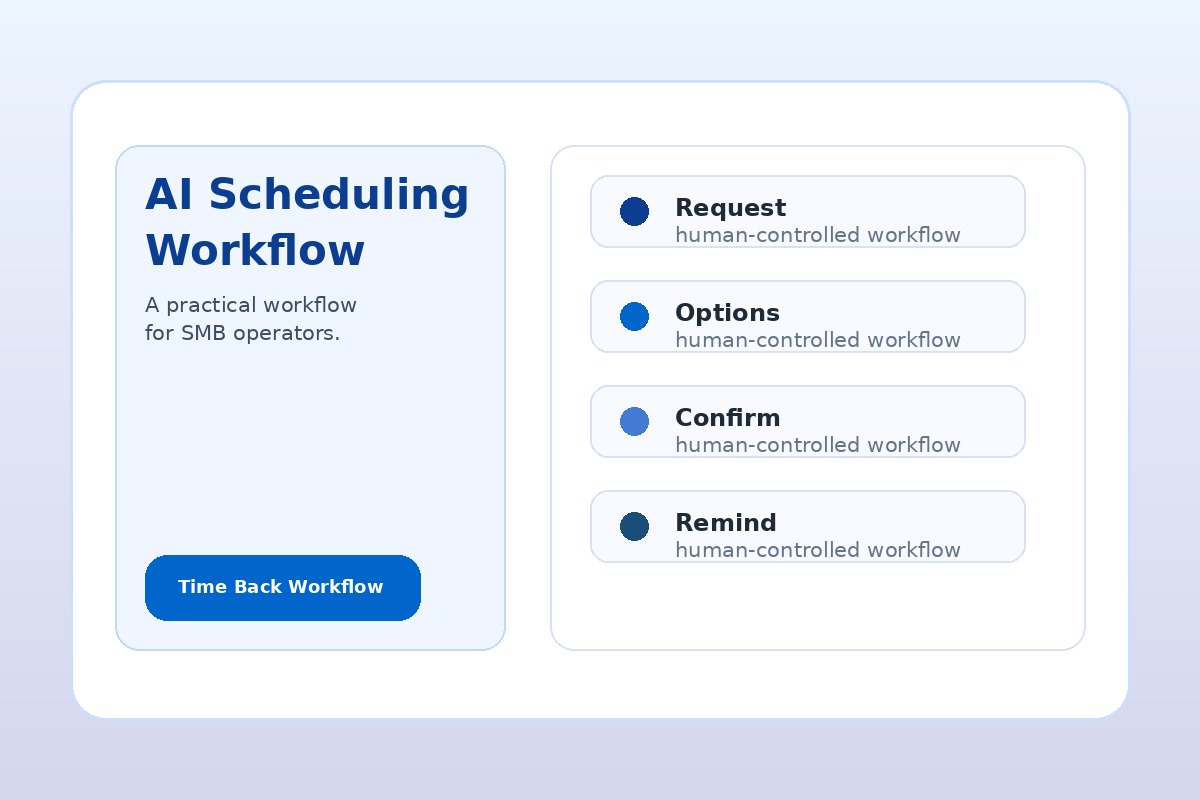
A practical workflow has five parts. Each part can start with simple AI assistance before you add automation.
1. Capture the Request
Pull scheduling requests into one queue when possible. That queue might be a shared inbox, CRM view, form response sheet, ticket list, or task board. The goal is not perfection. The goal is to stop appointment requests from living in five places with no owner.
AI can help by turning messy inputs into clean summaries: customer name, contact method, requested service, location, preferred time, urgency, missing details, and next action.
2. Classify the Next Step
Not every scheduling request should be treated the same. A new estimate, emergency service call, sales consultation, internal meeting, cancellation, and reschedule all need different rules.
Use AI to suggest a category, but keep the rule list visible. For example: emergency requests get a same-day human review; quote requests need job details before booking; existing customers get matched to account history; unclear requests ask one clarifying question before a calendar hold is created.
3. Draft the Customer Reply
This is usually a safe first win. AI drafts a clear reply using approved language, available windows, missing questions, and the correct tone. A person reviews before sending.
The draft should be useful even if no automation is connected yet. If AI can save your team from writing the same scheduling reply twenty times a week, you have already reduced friction.
4. Create the Calendar Task or Hold
Once the request is classified, the workflow can prepare a calendar hold, CRM task, or dispatch note. Keep the first version conservative. Let the system prepare the action, then require a person to confirm it.
Only automate the calendar write after the rules are tested. Common stop rules include double-booking risk, missing address, unclear service type, high-value customer, angry customer, payment issue, or a request outside normal service area.
5. Close the Loop
A scheduling workflow is not finished when an appointment lands on the calendar. The loop closes when the customer receives confirmation, the internal owner knows what is next, and the follow-up path is clear.
That may include a confirmation email, prep checklist, technician note, reminder task, quote follow-up, or weekly report entry. This is where scheduling connects to revenue instead of staying as admin work.
Simple Scheduling Rule
Let AI prepare the appointment. Let people approve exceptions. Automate only after the normal path and stop rules are documented.
Where AI Helps Most in Scheduling
AI is strongest when the work is repetitive, text-heavy, and reviewable. In scheduling, that usually means:
- Summarizing voicemail transcripts, contact forms, emails, and chat messages
- Extracting customer details and missing fields
- Classifying urgency, service type, location, and next step
- Drafting appointment options and confirmation messages
- Preparing internal notes for the person who owns the appointment
- Flagging requests that need human review before booking
That is different from handing AI your calendar and hoping it makes good decisions. The first version should make the team faster and more consistent while keeping control in the business.
AI Scheduling Examples by Business Type
Home Services
A plumbing, HVAC, electrical, appliance repair, landscaping, or cleaning business can use AI to summarize incoming requests, identify urgency, ask for missing location or service details, draft appointment windows, and prepare dispatch notes. The office still approves the final booking.
Professional Services
A law firm, accounting firm, consultant, agency, or coaching practice can use AI to route discovery calls, collect context before meetings, prepare calendar invites, and create follow-up reminders. Sensitive advice and client qualification decisions stay with people.
Local Health, Fitness, and Wellness Businesses
Dental offices, clinics, studios, gyms, and wellness practices can use AI to organize appointment requests and reminders, but privacy and consent rules matter. Keep AI away from final medical or sensitive decisions unless your tools, policies, and compliance process are ready.
Do Not Automate These Scheduling Decisions First
Some scheduling actions should remain human-approved until the workflow is proven:
- High-value customers or strategic accounts
- Angry customers, complaints, refunds, or cancellations
- Emergency requests where response time and risk are high
- Requests involving legal, financial, medical, or regulated information
- Pricing exceptions, travel fees, service-area questions, or warranty issues
- Any appointment that could double-book the owner, technician, or key specialist
These are not reasons to avoid AI. They are reasons to build approval gates. A good AI scheduling workflow makes exceptions easier to see.
Your First 30 Days With AI Scheduling
Use a 30-day rollout so you can learn before automating too much.
- Week 1: collect the last 20 to 50 scheduling requests and list the common categories, missing details, and delay points.
- Week 2: create approved reply templates and stop rules for each major request type.
- Week 3: use AI to summarize requests and draft replies, with human review before anything goes to a customer.
- Week 4: measure where time was saved, which drafts were useful, which exceptions appeared, and what handoff can be automated next.
This gives you a real implementation signal. If the workflow saves time, improves consistency, and reduces missed handoffs, it may be ready for a deeper 30-Day AI Workflow Sprint.
How to Measure Scheduling Workflow Success
Do not measure the workflow by whether it feels modern. Measure whether it makes the business easier to run. Track simple signals:
- How many scheduling requests reached one visible queue
- How many replies were drafted and approved
- How many requests were missing critical details
- How many exceptions were caught before booking
- Whether customers received clearer confirmations
- Whether the owner or office team spent less time chasing context
Those signals matter more than a flashy AI demo. The point is to reduce calendar drag and protect customer trust.
Want to Find the Scheduling Workflow Worth Fixing?
AIA Copilot helps small business owners identify where scheduling, intake, follow-up, reporting, and admin work are stealing time. Start with an AI Time Back Audit, then turn the best workflow into a practical 30-day implementation path.
Book an AI Time Back Audit