AI Approval Gates for Small Business
Most small businesses do not fail with AI because the tool cannot write a draft. They fail because nobody decided where the human review belongs. An approval gate solves that problem. It gives the team time back while protecting the decisions that still need judgment, context, and accountability.
Why AI Approval Gates Matter for Small Business AI
Small business owners are right to be cautious. A bad customer email can hurt trust. A wrong estimate can cost margin. A missed scheduling detail can frustrate a client. A generic AI answer can create more work than it saves.
The answer is not to avoid AI. The answer is to put AI in the right seat. AI should remove blank-page work, clean up messy information, prepare options, and move routine tasks forward. People should approve the decisions that affect customers, money, commitments, exceptions, and reputation.
This is the same business-first logic behind an AI delegation map: delegate drafts and summaries before you delegate decisions.
The Simple Approval Gate Rule
Use this rule before you automate a workflow:
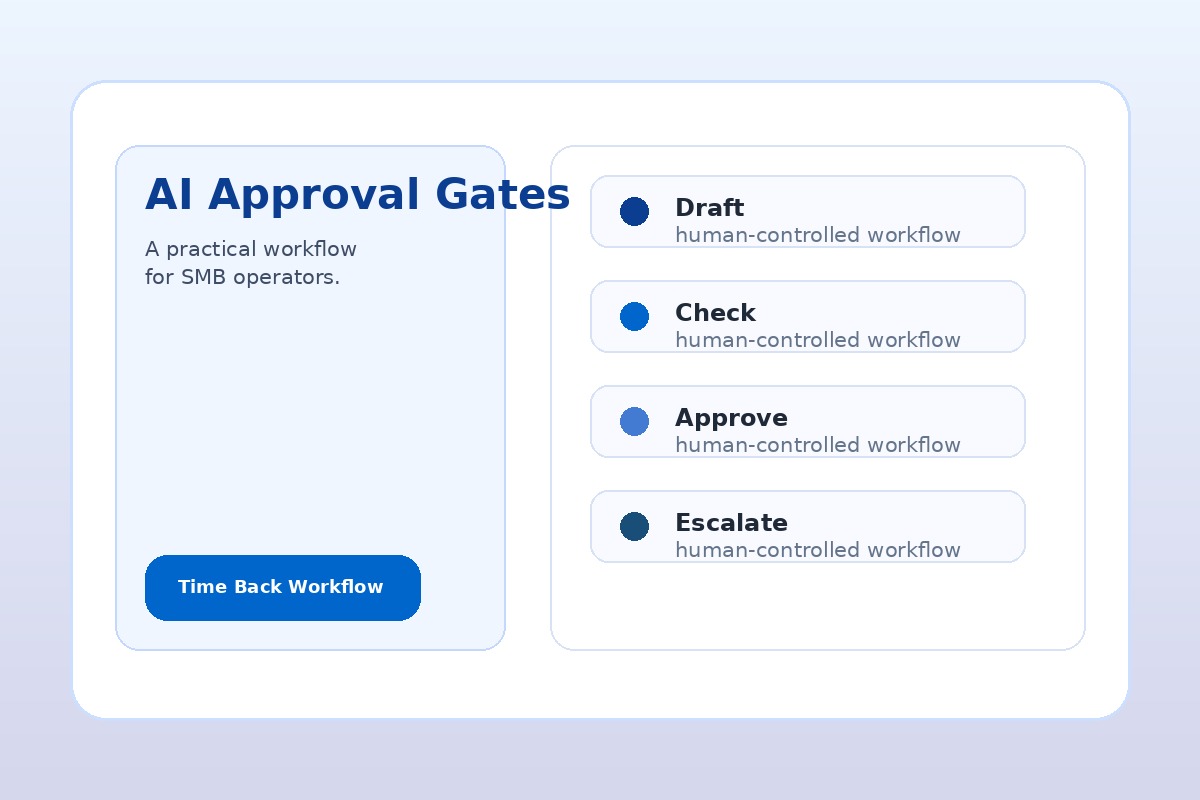
Draft, then approve. Route, then confirm. Recommend, then decide.
If the AI output can reach a customer, change money, assign responsibility, or create a commitment, put a human approval step before the final action.
That one rule prevents most early AI mistakes. It also makes adoption easier because employees are not being asked to trust a mysterious automation. They are being asked to review a faster first draft.
Where to Put Human Review in AI Workflows
Start with the workflows where your team already feels admin drag, but do not remove the person from the loop yet.
- Lead follow-up: AI drafts the reply and suggests the next step; a person approves before sending.
- Quote and proposal drafts: AI formats job notes into a professional draft; a person confirms scope, price, exclusions, and timing.
- Customer service replies: AI suggests an answer from approved language; a person reviews tone and exceptions.
- Client intake: AI summarizes the request and flags missing information; a person confirms priority and assignment.
- Invoice reminders: AI prepares a polite reminder; a person approves sensitive or overdue messages.
- Weekly reporting: AI summarizes activity and missed follow-up; the owner reviews before acting on it.
These approval gates fit naturally into a 30-day AI implementation plan because they let you ship one workflow without pretending the whole business is ready for full automation.
A Practical AI Approval Matrix
Use four levels of authority when you decide how much freedom AI should have.
Level 1: AI Drafts, Human Sends
This is the best starting point. AI writes the first draft of an email, proposal, job summary, FAQ response, or internal update. A person edits and sends it. You save time immediately without giving AI authority.
Level 2: AI Routes, Human Confirms
AI reads an inquiry, tags it as sales, support, billing, urgent, or low priority, and recommends an owner. A person confirms the assignment. This is useful for inboxes, forms, CRM queues, and service requests.
Level 3: AI Acts Inside Guardrails
Once the workflow is proven, AI can take limited actions inside clear rules: create a task, fill a draft record, send an internal notification, prepare a calendar hold, or update a status field. Customer-facing action still waits for approval.
Level 4: AI Acts Automatically With Monitoring
This level is for low-risk, repetitive work after you have examples, rules, logs, and rollback. Examples include internal reminders, routine tagging, file organization, or recurring report generation. Do not start here.
Approval Gates for Customer-Facing AI
Customer-facing AI needs a tighter gate because the output represents your business. Before AI sends anything externally, answer three questions:
- Could this message create a promise, price, deadline, or expectation?
- Could the customer misunderstand it if the wording is slightly wrong?
- Would the owner want to review it if the customer was upset?
If the answer is yes, keep human approval. AI can still save time by drafting the message, pulling the facts together, and suggesting the next step. The person remains accountable for the final communication.
How to Add Approval Gates Without Slowing the Team Down
An approval gate should not become a new bottleneck. Keep it lightweight:
- Use a clear approve/edit/reject choice. Do not make employees hunt through a complicated tool.
- Show the source information. The reviewer should see the customer request, notes, or form data beside the AI draft.
- Flag uncertainty. If information is missing, AI should ask for review instead of guessing.
- Keep templates simple. Approved language beats clever writing.
- Review weekly. Track what got approved, edited, rejected, or escalated so the workflow improves.
This is where a focused 30-Day AI Workflow Sprint helps: the goal is not just to choose a tool, but to design the handoff, approval rule, and review loop around a real business workflow.
What Not to Let AI Approve Alone
Some work should stay human-approved until the process is mature and the risk is low:
- Final pricing, discounts, refunds, credits, and payment exceptions
- Legal, HR, medical, insurance, tax, or compliance-sensitive messages
- Angry customer responses or relationship-sensitive communication
- Vendor commitments, contract language, or purchase decisions
- Anything involving private customer data where access rules are unclear
AI can prepare the facts for these situations. It should not own the decision.
Start With One Workflow This Week
If you want a safe first test, pick one workflow that already repeats every week. Lead follow-up, quote drafts, intake summaries, and customer FAQ replies are usually strong candidates. Write down the trigger, the AI task, the approval gate, and the final action.
Example: “When a website inquiry arrives, AI summarizes the request, checks whether key details are missing, drafts a reply, and creates an internal task. A team member approves the reply before it is sent.”
That is practical AI implementation. It saves time without pretending AI should run the business.
Choose the right level of AI authority
Approval gates become easier to apply when each workflow has a defined authority level. Use the AI Agent Approval Matrix to separate classify, draft, recommend, and commit actions before deciding where human review belongs.
Need help finding the right first approval gate?
If your team is interested in AI but worried about mistakes, start with an AI Time Back Audit. We will identify the workflow most likely to save time, define the human review points, and recommend a safe first sprint.
Book a strategy session or review the AI Time Back Audit.