The AI Coworker Job Description
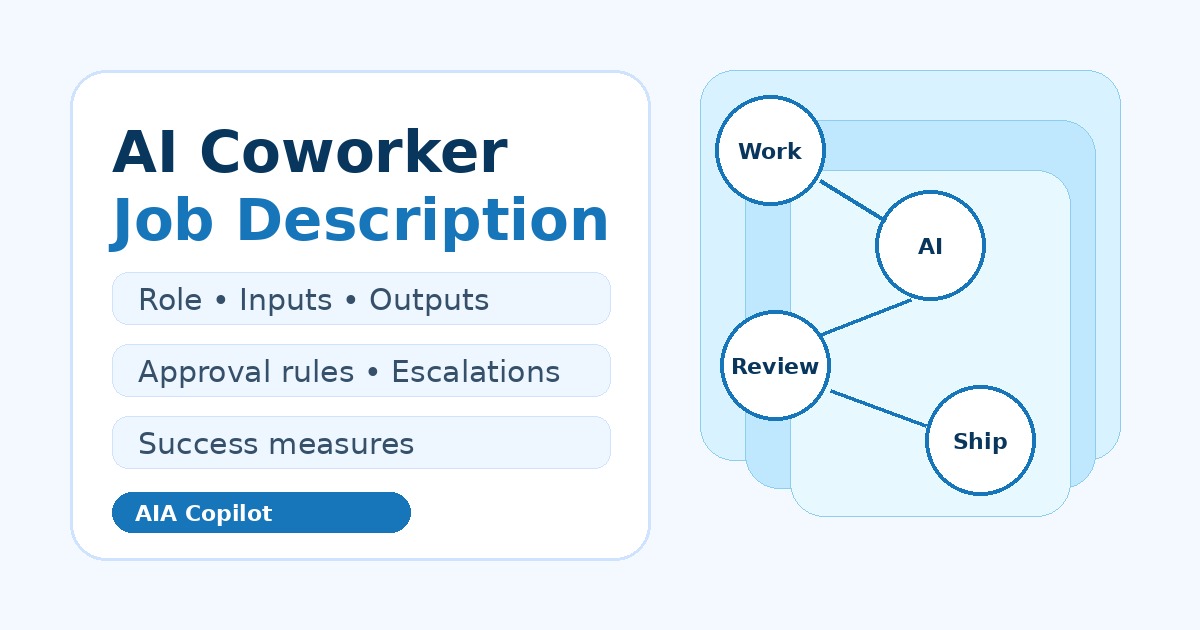
Most businesses do not need “more AI.” They need a clearer answer to one practical question: what job is this AI supposed to do every week?
A job description turns an AI idea into an operating role. It keeps the project tied to real work, makes review gates explicit, and prevents the team from buying tools before the workflow is understood.
Start with the business role, not the model
If you were hiring a person, you would not start with their keyboard. You would define the work they own, the information they need, who they report to, and what good performance looks like. The same discipline applies to an AI coworker.
Good AI coworker roles are narrow enough to manage and valuable enough to matter. Examples include intake coordinator, inbox triage assistant, meeting follow-up assistant, quote-prep assistant, scheduling assistant, customer update drafter, or weekly operations reporter.
This is why AIA Copilot starts implementation with an AI Time Back Audit. The audit finds the work that is repeated, reviewable, and close to time back or revenue before a sprint begins.
The seven parts of an AI coworker job description
Use this checklist before you configure a chatbot, agent, automation, or Copilot workflow.
| Section | Question to answer | Example |
|---|---|---|
| Role name | What job does this AI coworker perform? | Customer intake coordinator |
| Business outcome | What should improve if it works? | Faster first response and fewer missed details |
| Workflow boundary | Where does the role start and stop? | From new request to reviewed intake summary |
| Inputs | What information can it use? | Form submissions, email, call notes, CRM fields |
| Outputs | What does it create? | Summary, missing-info checklist, draft reply, task |
| Approval rules | What must a person review? | Customer-facing replies, price, commitments, edge cases |
| Success measures | How will you know it helped? | Response time, rework, missed handoffs, owner time saved |
Write responsibilities as workflow actions
A weak AI coworker description says, “Help with operations.” A useful one says, “Read new intake messages, classify the request type, extract service location and urgency, flag missing information, draft a response for review, and create a next-action task.”
That level of clarity makes tool decisions easier. Some responsibilities belong in Microsoft Copilot. Some belong in ChatGPT or Claude. Some belong in an automation layer. Some should stay with a person. The job description keeps the discussion grounded in the work instead of tool preference.
If you are comparing possible first workflows, use the AI Workflow Scorecard before building. It helps rank the role by time back, repeatability, data readiness, risk, and team adoption.
Define what the AI coworker cannot do
The most important part of the job description may be the negative space. List the decisions the AI coworker is not allowed to make.
- It can draft a customer reply, but a person approves before sending.
- It can summarize a quote request, but it cannot set price or promise availability.
- It can identify a possible escalation, but it cannot resolve a policy exception alone.
- It can prepare a weekly report, but it cannot hide missing data or invent explanations.
Those boundaries make the workflow safer and easier for the team to trust. They also tell the builder where human approval, logging, and exception handling belong.
A practical example: the inbox triage coworker
One useful first role is an inbox triage coworker. Its job is not to “manage email” in a vague way. Its job is to sort inbound messages into a review queue so the owner or admin team can act faster.
A clear job description might say: classify each message by customer, vendor, internal, billing, sales, or urgent service issue; summarize what is being asked; suggest the next action; identify the owner; draft a reply only when enough information is available; and escalate anything involving a complaint, refund, legal concern, or unusual commitment.
That role can be tested with a small batch of real emails before connecting more systems. The business can compare whether the summaries are accurate, whether urgent items surface sooner, and whether the review queue saves time. For more detail, see the AI Inbox Triage for Small Business guide.
Use the job description to plan the 30-day sprint
A 30-Day AI Workflow Sprint should not begin with “set up AI.” It should begin with a role like “quote-prep assistant,” “customer intake coordinator,” or “weekly operations reporter.”
Once the role is clear, the sprint can stay focused:
- Week 1: confirm the workflow, examples, source data, and approval rules.
- Week 2: build the first assistant, prompt, automation, or Copilot workflow.
- Week 3: test with real work and fix handoffs, missing fields, and review steps.
- Week 4: train the team, document the process, and decide what to improve next.
That sequence keeps the project small enough to ship and concrete enough to measure.
Keep improving the role after launch
An AI coworker is not finished just because the first version works. Real value comes from review: what did it save, where did it fail, what edge cases appeared, and which step still needs a person doing avoidable manual work?
Managed AI Operations exists for that reason. After the first sprint, the business needs a monthly loop to tune prompts, update approval rules, add examples, clean data, and choose the next workflow improvement. The AI Operations Review gives that loop structure.
Conclusion
The right first AI coworker is not a generic bot. It is a defined role inside a real workflow, with clear responsibilities and human review where the business needs judgment. Write the job description first, then build the smallest version that can do the job safely.

Microsoft Certified Trainer with 30+ years in enterprise technology, including roles at Microsoft and Amazon. Helps businesses implement practical AI systems tied to customer growth, capacity, margin, and execution.